Images without alt text are invisible to search engines and inaccessible to visually impaired users. Yet most websites have hundreds of images with missing or generic alt attributes. This represents a massive missed opportunity for both SEO and user experience.
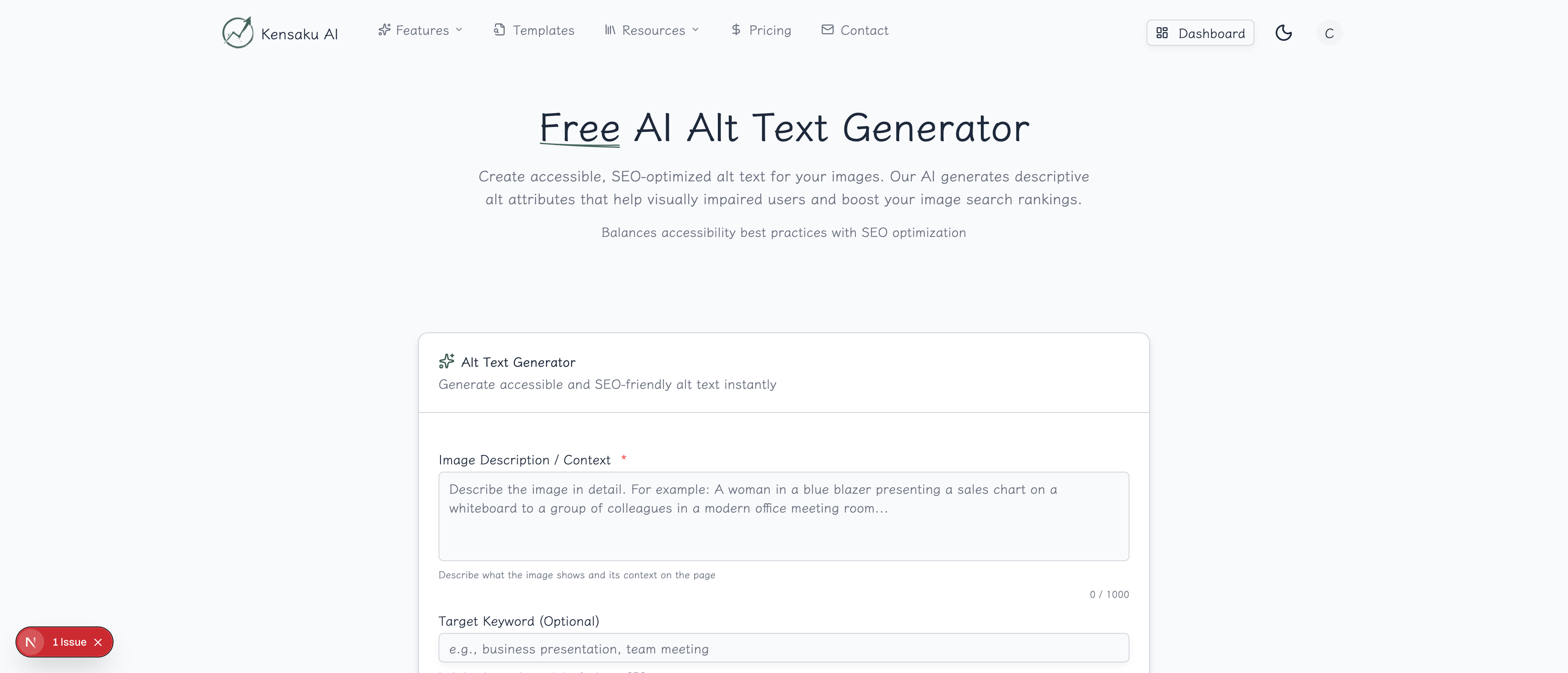
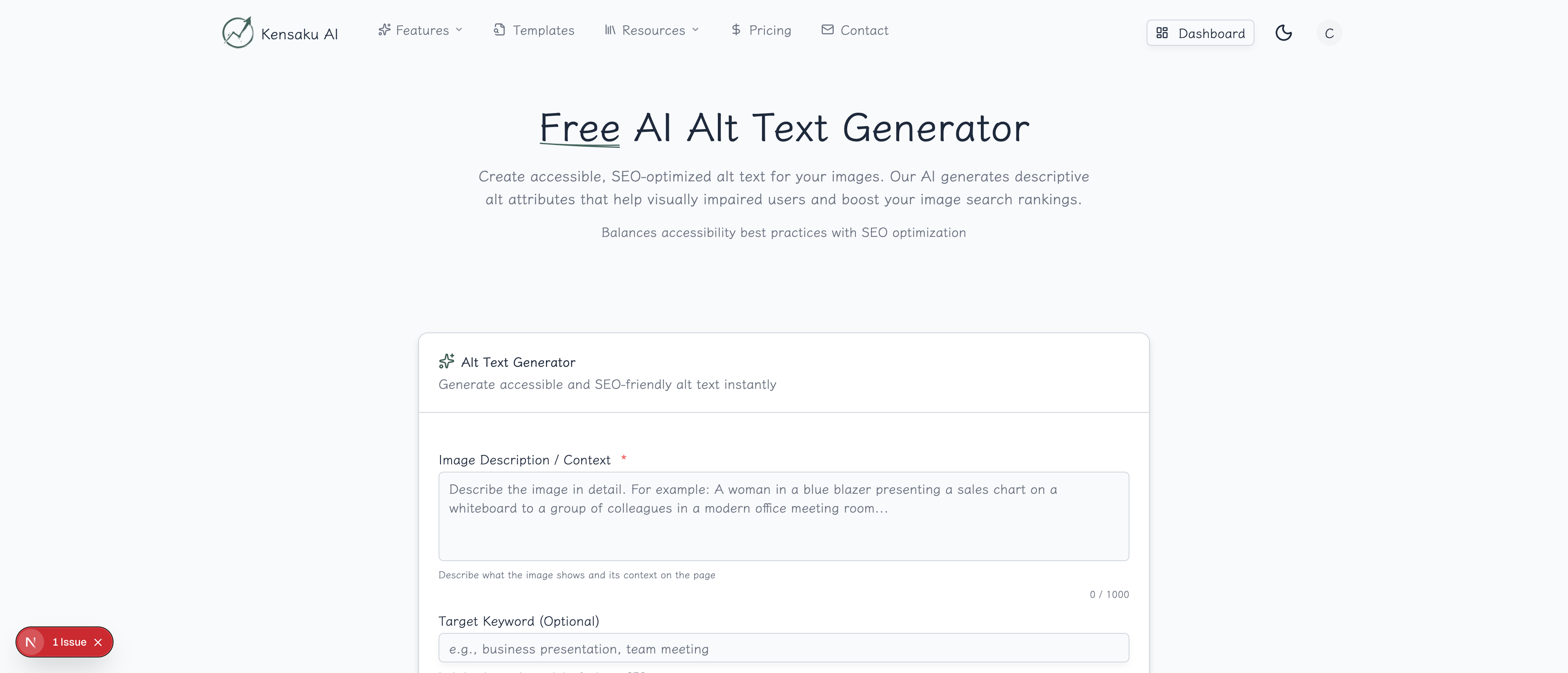
Our free AI Alt Text Generator creates descriptive, SEO-optimized alt text that helps your images rank in Google Images while making your site accessible to everyone.
What is Alt Text?
Alt text (alternative text) is an HTML attribute that provides a text description of an image. It serves three critical purposes:
- Accessibility: Screen readers read alt text aloud for visually impaired users
- SEO: Search engines use alt text to understand and index images
- Fallback: Displays when images fail to load
In HTML, alt text looks like:
<img src="product-photo.jpg" alt="Red leather wallet with brass zipper on white background" />Why Alt Text Matters
Image Search Traffic
Google Images drives significant traffic. Optimized alt text helps your images appear in image search results:
| Image Optimization | Traffic Potential |
|---|---|
| No alt text | Minimal image traffic |
| Generic alt text | Some image visibility |
| Descriptive, keyword-optimized | Maximum image search potential |
Accessibility Requirements
Alt text isn't optional—it's a legal requirement in many jurisdictions:
- ADA compliance: Required for US businesses
- WCAG guidelines: Web Content Accessibility Guidelines
- Section 508: US government websites
- European Accessibility Act: EU requirements
User Experience
When images don't load (slow connections, errors, disabled images), alt text provides context so users understand what they're missing.
SEO Signals
Alt text helps search engines understand:
- What the image shows
- How the image relates to surrounding content
- Relevance to search queries
How the Generator Works
Step 1: Describe the Image
Provide details about what the image shows:
- Subject: What is the main focus?
- Action: What is happening?
- Context: Where is this taking place?
- Details: Colors, styles, notable features
Example input: "A woman using a laptop at a coffee shop, working on a spreadsheet, modern interior with plants"
Step 2: Add Target Keyword (Optional)
Include a keyword if you want SEO optimization:
- Use naturally—don't force keywords
- One keyword per image maximum
- Relevant keywords only
Good: "remote work" for a work-from-home image Bad: "best CRM software" for an unrelated stock photo
Step 3: Select Image Type
Choose the type of image for appropriate descriptions:
| Image Type | Focus |
|---|---|
| Product photo | Features, colors, materials |
| Infographic | Topic and key takeaway |
| Screenshot | What it shows and purpose |
| Chart/graph | Data being visualized |
| Person/portrait | Who and context |
| Stock photo | Scene and mood |
Step 4: Generate and Refine
Click "Generate" to receive alt text options. Each suggestion:
- Describes the image accurately
- Incorporates keywords naturally
- Stays within optimal length
- Avoids redundant phrases
Alt Text Best Practices
Be Specific and Descriptive
Vague: "Product image" Better: "Blue running shoes with white soles and orange laces"
Vague: "Team meeting" Better: "Five team members collaborating around a whiteboard with sticky notes"
Optimal Length
| Guideline | Characters |
|---|---|
| Minimum | 50 characters |
| Optimal | 80-125 characters |
| Maximum | 150 characters |
Most screen readers cut off at 125 characters. Be concise but complete.
Avoid These Phrases
Never start alt text with:
- "Image of..."
- "Picture of..."
- "Photo of..."
- "Graphic showing..."
Screen readers already announce "image," so this is redundant.
Include Keywords Naturally
Forced: "best SEO tools SEO software SEO platform screenshot" Natural: "Dashboard showing keyword rankings in an SEO analytics platform"
Context Matters
Describe the image's purpose, not just its content:
On a recipe page: "Finished chocolate cake with ganache frosting on white plate" On a baking tutorial: "Step 3: Spreading chocolate ganache evenly across the cake top"
Decorative Images
For purely decorative images that add no information:
- Use empty alt:
alt="" - This tells screen readers to skip the image
- Examples: design elements, spacers, purely aesthetic graphics
Alt Text for Different Image Types
Product Photos
Include:
- Product name
- Key features (color, size, material)
- What makes it unique
- Context if relevant
Example: "Handcrafted oak dining table with tapered legs and natural grain finish, seats 6"
Infographics
Include:
- Topic/subject
- Key insight or conclusion
- Type of visualization
Example: "Infographic showing 5 steps to improve website speed, from caching to image optimization"
Screenshots
Include:
- What application/website
- What it's demonstrating
- Key visible elements
Example: "Google Search Console dashboard showing organic traffic growth over 6 months"
Charts and Graphs
Include:
- Type of chart
- What data it shows
- Key takeaway
Example: "Bar chart comparing conversion rates across landing page variants, showing variant B with 25% higher conversions"
People and Portraits
Include:
- Who (if relevant)
- What they're doing
- Context
Example: "Customer service representative wearing headset, smiling while helping a client"
Stock Photos
Include:
- Scene description
- Mood or theme
- Connection to content
Example: "Business team celebrating success with high-fives in modern office"
Programmatic SEO Considerations
Template-Based Alt Text
For programmatic SEO product or location pages at scale:
Template: "[Color] [Product Type] with [Feature] - [Brand Name]"

Generates:
- "Black leather messenger bag with brass buckle - Acme Leather"
- "Brown suede crossbody bag with silver zipper - Acme Leather"
Dynamic Alt Text Generation
For databases of products or locations:
- Store image attributes in database
- Generate alt text from attributes
- Review samples for quality
- Implement bulk updates
Quality Control at Scale
When managing thousands of images:
- Sample and review randomly
- Set minimum character thresholds
- Flag missing or generic alt text
- Audit periodically for accuracy
Category-Level Fallbacks
When specific data isn't available:
- Use category-level descriptions
- Better than empty alt text
- Update as data becomes available
Common Alt Text Mistakes
Empty Alt Text on Important Images
Problem: alt="" on meaningful images
Impact: Screen reader users miss content; no SEO value
Fix: Always describe images that convey information
Keyword Stuffing
Problem: "SEO tools SEO software best SEO platform for SEO" Impact: Poor user experience; potential SEO penalty Fix: One keyword, used naturally
File Names as Alt Text
Problem: alt="IMG_2847.jpg"
Impact: No descriptive value for anyone
Fix: Write actual descriptions
Same Alt Text for Multiple Images
Problem: All product images say "Product photo" Impact: Missed opportunity; confusing for users Fix: Unique, specific descriptions for each
Over-Describing
Problem: 300-word alt text describing every pixel Impact: Screen readers become tedious; message lost Fix: 80-125 characters with key details
Measuring Alt Text Impact
Track Image Search Traffic
In Google Search Console:
- Go to Performance
- Select "Search type: Image"
- Monitor impressions and clicks
- Track which images drive traffic
Accessibility Audits
Use tools to identify missing alt text:
- Lighthouse: Built into Chrome DevTools
- WAVE: Web Accessibility Evaluation Tool
- axe DevTools: Browser extension
- Screaming Frog: SEO crawler with alt text reports
Before/After Comparison
When improving alt text:
- Record baseline image search traffic
- Optimize alt text across site
- Wait 4-6 weeks for indexing
- Compare image search performance
Alt Text and AI Image Recognition
AI-Assisted Descriptions
Our generator uses AI to:
- Understand image context
- Suggest descriptive language
- Incorporate keywords naturally
- Follow accessibility guidelines
Human Review Still Matters
AI helps but human review ensures:
- Brand voice consistency
- Accurate product details
- Appropriate keyword use
- Accessibility compliance
Bulk Processing
For large image libraries:
- Use AI to generate initial alt text
- Review and approve batches
- Train AI on corrections
- Improve over time
Integration with Content Workflow
Build alt text into your process:
- Image selection → Choose relevant images
- Alt Text Generator → Create descriptions
- Review → Verify accuracy and keywords
- Implementation → Add to CMS/code
- Audit → Regularly check for gaps
Get Started
Ready to improve your image SEO and accessibility? Try our free AI Alt Text Generator now.
For teams managing large image libraries with programmatic SEO at scale, explore our full platform with bulk alt text generation and automated accessibility optimization across thousands of pages.