A programmatic SEO project lives or dies by its template. The template defines the structure of every page you generate, and getting it right means the difference between pages that rank and pages that get flagged as thin content.
After analyzing hundreds of successful programmatic SEO implementations, eight template types consistently outperform the rest. Each serves a different search intent, uses different data structures, and works best in specific market contexts.
This guide covers all eight with template structures, example URLs, required data fields, and guidance on when to use each one.
What Makes a Good Programmatic Template
Before examining specific template types, three principles apply across all of them:
-
40-60% of content must be unique per page. If you swap one variable and the rest of the page stays identical, Google will treat it as duplicate content. Your template needs enough data-driven sections to create meaningful variation.
-
The template must fully satisfy the search query. Someone searching "plumber in Austin" expects to find plumbers in Austin -- not a generic plumbing article with "Austin" pasted in. Every section of your template should deliver on the promise of the page title.
-
Each page needs a clear conversion path. Programmatic pages are traffic assets, but traffic without conversion is just a vanity metric. Build CTAs directly into the template.
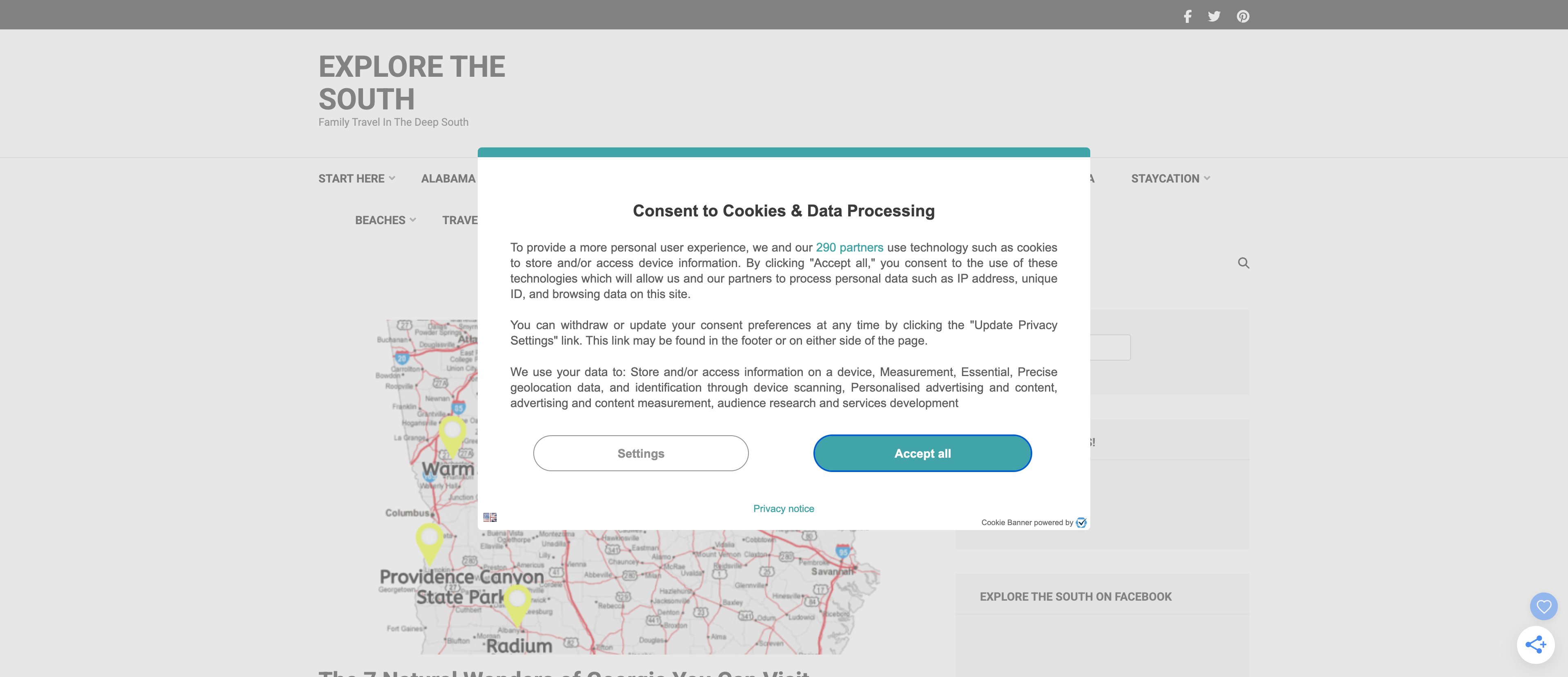
Template 1: Location Landing Pages
Pattern: [Service/Business] in [City/Region]
Example URLs:
/plumber-in-austin/coworking-spaces-in-denver/wedding-photographers-in-seattle
Example H1: "Best Wedding Photographers in Seattle, WA"
This is the most common and most validated programmatic template. It works because local search queries are high-volume, high-intent, and follow an extremely consistent pattern.
Template structure:
H1: [Service] in [City], [State]

Section 1: City Overview (2-3 paragraphs)
- Brief description of [City]
- Relevant market context (e.g., number of weddings/year)
- Why [Service] matters in [City]

Section 2: Top Providers / Listings
- Table or cards with provider names, ratings, price ranges
- Data sourced from public directories or your own database

Section 3: What to Look For
- [City]-specific considerations
- Local regulations or requirements
- Seasonal factors

Section 4: Pricing in [City]
- Average pricing data
- Comparison to national/state averages
- Price range table

Section 5: FAQ
- 4-5 location-specific questions
- Structured data markup for FAQ schema

CTA: [Relevant conversion action]
Required data fields per page:
- City name, state, region
- Population and relevant demographics
- Local providers/businesses (5-10 per page)
- Average pricing data
- City-specific facts or context
- FAQ questions and answers
How to build the dataset: Start with a list of target cities, then use data enrichment to add population data, demographics, and local context. For provider listings, public directories or your own database can supply the business data.
To generate your city list efficiently, the Location Keyword Expander can take a single service keyword and expand it across hundreds of cities, states, or regions.
Template 2: Comparison Pages
Pattern: [Product A] vs [Product B]
Example URLs:
/shopify-vs-woocommerce/slack-vs-microsoft-teams/mailchimp-vs-convertkit
Example H1: "Shopify vs WooCommerce: Full Comparison for 2026"
Comparison queries are among the highest-converting search terms because the user is actively evaluating options and close to making a decision.
Template structure:
H1: [Product A] vs [Product B]: Full Comparison

Section 1: Quick Verdict (2-3 sentences)
- Who should choose [Product A]
- Who should choose [Product B]

Section 2: Overview
- Brief description of each product
- Target audience for each

Section 3: Feature Comparison Table
| Feature          | [Product A] | [Product B] |
|------------------|-------------|-------------|
| [Feature 1]      | [Detail]    | [Detail]    |
| [Feature 2]      | [Detail]    | [Detail]    |
| ...              | ...         | ...         |

Section 4: Pricing Comparison
- Pricing tiers side by side
- Total cost of ownership analysis

Section 5: Pros and Cons
- [Product A] pros and cons
- [Product B] pros and cons

Section 6: Use Case Recommendations
- Best for small businesses: [Winner]
- Best for enterprise: [Winner]
- Best for [specific need]: [Winner]

CTA: [Relevant conversion action]
Required data fields per page:
- Product A name, description, logo
- Product B name, description, logo
- Feature list with details for both products
- Pricing data for both products
- Pros and cons for each
- Use case recommendations
A comparison matrix generator can build structured comparison data across dozens of product pairs quickly, with consistent feature coverage across all pages.
Template 3: Statistics / Data Pages
Pattern: [Topic] statistics [Year]
Example URLs:
/email-marketing-statistics-2026/remote-work-statistics/ecommerce-growth-statistics-2026
Example H1: "Email Marketing Statistics for 2026: 50+ Key Data Points"
Statistics pages attract backlinks because journalists, bloggers, and researchers cite them in their own content. This makes them both traffic drivers and authority builders.
Template structure:
H1: [Topic] Statistics for [Year]: [Count]+ Key Data Points

Section 1: Key Highlights
- 5-7 most notable statistics in a bulleted list
- Each with source citation

Section 2: Category 1 Statistics
- 8-10 statistics with context
- Source citations
- Brief analysis of trends

Section 3: Category 2 Statistics
- Same structure as above

Section 4: Category 3 Statistics
- Same structure as above

Section 5: Trend Analysis
- What the data tells us
- Year-over-year comparisons
- Predictions based on current trends

Section 6: Methodology
- How statistics were collected
- Source list with links

CTA: [Relevant conversion action]
Required data fields per page:
- Topic name and category
- 30-50 individual statistics with values
- Source URLs for each statistic
- Year/date of each data point
- Category groupings
- Trend analysis notes
Template 4: Glossary Pages
Pattern: What is [term] / [term] definition
Example URLs:
/glossary/customer-acquisition-cost/glossary/bounce-rate/glossary/conversion-rate-optimization
Example H1: "What is Customer Acquisition Cost (CAC)? Definition and Formula"
Glossary pages capture informational queries at the top of the funnel. While individual glossary pages may not convert directly, they build topical authority and create opportunities for internal linking to your product pages.
Template structure:
H1: What is [Term]? Definition and [Guide/Formula/Examples]

Section 1: Definition
- Clear, concise definition (2-3 sentences)
- Structured data markup for definition

Section 2: Why It Matters
- Business context
- Impact on relevant metrics

Section 3: How to Calculate / Measure
- Formula (if applicable)
- Example calculation
- Benchmarks by industry

Section 4: How to Improve / Optimize
- 4-6 actionable tips
- Common mistakes

Section 5: Related Terms
- Links to 5-10 related glossary entries
- Brief definitions for each

Section 6: FAQ
- 3-4 frequently asked questions
- Structured data markup

CTA: [Relevant conversion action]
Required data fields per page:
- Term name
- Definition (short and long versions)
- Category/topic area
- Formula or measurement method (if applicable)
- Related terms (5-10)
- FAQ questions and answers
Template 5: Tool / Calculator Pages
Pattern: [Calculator type] calculator / [Tool type] tool
Example URLs:
/tools/mortgage-calculator/tools/roi-calculator/tools/salary-comparison-calculator
Example H1: "Free ROI Calculator: Calculate Your Return on Investment"
Tool and calculator pages provide immediate utility, which means high engagement, low bounce rates, and strong ranking signals. They also naturally lead to product signups since users are already in a "doing" mindset.
Template structure:
H1: Free [Calculator Type] Calculator

Section 1: Calculator Interface
- Input fields for relevant variables
- Calculate button
- Results display

Section 2: How to Use This Calculator
- Step-by-step instructions
- What each input means

Section 3: Understanding Your Results
- How to interpret the output
- What's a good/bad result
- Benchmarks

Section 4: Formula Explanation
- The math behind the calculator
- Manual calculation example

Section 5: Related Calculators
- Links to related tool pages

CTA: [Relevant conversion action]
Required data fields per page:
- Calculator type and purpose
- Input field definitions
- Calculation formula
- Benchmark data
- FAQ content
- Related calculator links
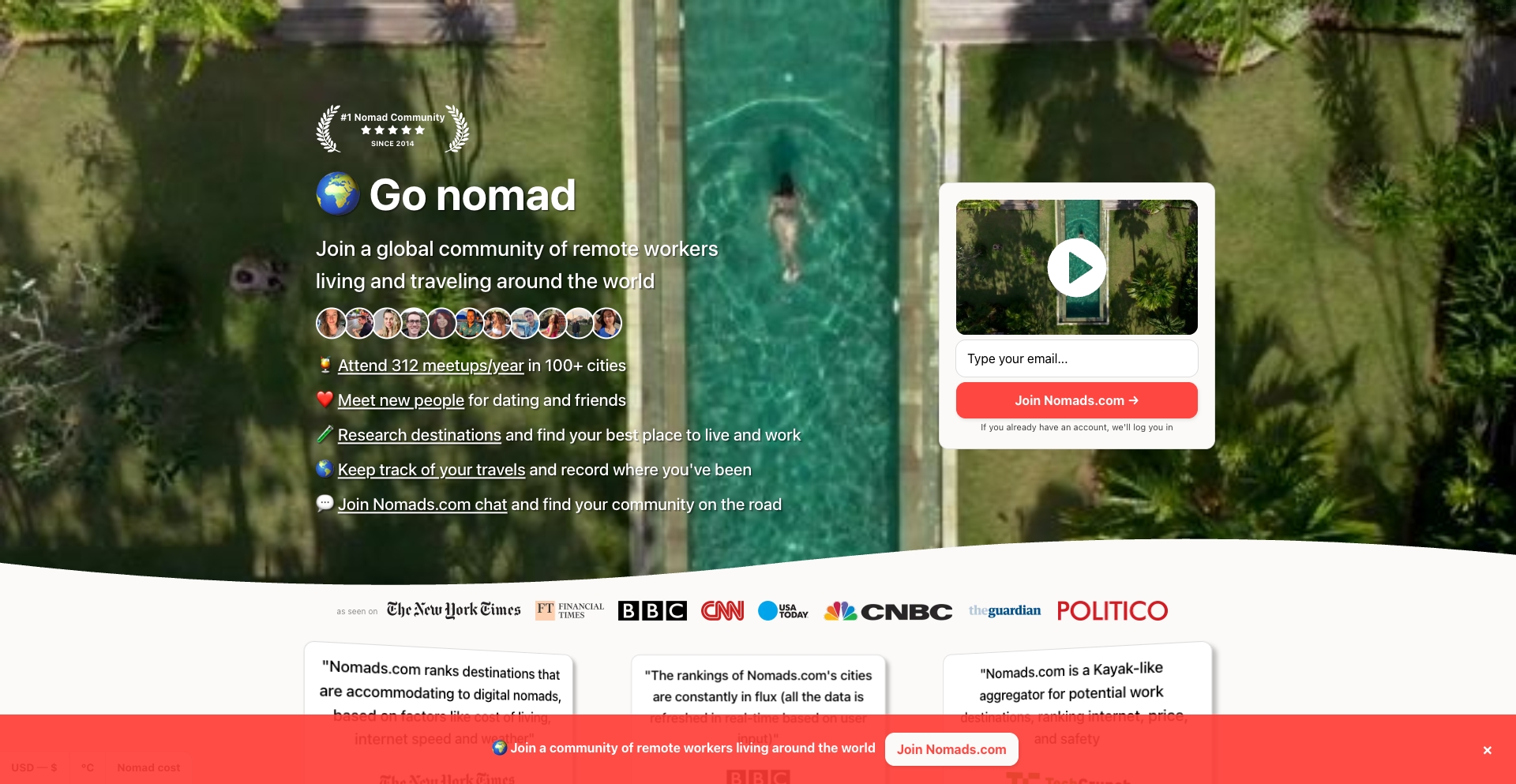
Template 6: Integration Pages
Pattern: [Product A] + [Product B] integration
Example URLs:
/integrations/slack-google-drive/integrations/salesforce-mailchimp/integrations/shopify-quickbooks
Example H1: "Connect Slack and Google Drive: Integration Setup Guide"
Integration pages are a proven SaaS pattern (Zapier has 25,000+ of them). They target high-intent queries from people actively looking to connect tools they already use. For a deeper look at how SaaS companies execute this pattern, see our guide on programmatic SEO for SaaS.
Template structure:
H1: Connect [Product A] and [Product B]

Section 1: Integration Overview
- What this integration does
- Key benefits (3-4 bullets)

Section 2: Popular Workflows
- 3-5 common use cases
- Each with a brief description

Section 3: Setup Guide
- Step-by-step instructions
- Screenshots or diagrams

Section 4: Features and Capabilities
- What data syncs between the products
- Trigger and action options
- Limitations

Section 5: FAQ
- Common integration questions
- Troubleshooting tips

CTA: [Set up this integration / Start free trial]
Required data fields per page:
- Product A name, logo, description
- Product B name, logo, description
- Integration method (native, API, third-party)
- Supported workflows/use cases
- Setup steps
- Feature list
Template 7: Industry Landing Pages
Pattern: [Product type] for [Industry]
Example URLs:
/solutions/crm-for-real-estate/solutions/invoicing-for-freelancers/solutions/project-management-for-construction
Example H1: "CRM Software Built for Real Estate Professionals"
Industry pages work because professionals searching for industry-specific solutions have strong purchase intent and are willing to pay more for tools that understand their workflow.
Template structure:
H1: [Product Type] for [Industry]

Section 1: Industry Challenges
- 3-4 specific pain points for [Industry]
- Why generic solutions fall short

Section 2: [Industry]-Specific Features
- Feature list tailored to industry needs
- How each feature solves an industry challenge

Section 3: Use Cases
- 3-4 specific workflows for [Industry]
- Before/after comparisons

Section 4: Case Study / Social Proof
- Customer story from [Industry]
- Measurable results

Section 5: Pricing for [Industry]
- Relevant pricing tier
- ROI justification

Section 6: FAQ
- Industry-specific questions

CTA: [Start free trial / Book demo]
Required data fields per page:
- Industry name and description
- Industry-specific pain points (3-4)
- Relevant features (mapped from product)
- Use case descriptions
- Case study or testimonial
- FAQ content
You can discover which industries to target by analyzing your keyword data with a keyword pattern detector to see which industry modifiers appear in your search impressions.
Template 8: Directory / Listing Pages
Pattern: Best [category] in [location/year] / Top [number] [category]
Example URLs:
/best-coworking-spaces-in-new-york/top-10-crm-software-2026/best-restaurants-in-portland
Example H1: "Best Coworking Spaces in New York City (2026)"
Directory and listing pages combine the patterns of location pages and comparison pages. They rank well because they match the format users expect for list-style queries, and they can include both structured data and editorial context.
Template structure:
H1: Best [Category] in [Location/Year]

Section 1: Quick Picks
- Top 3 recommendations with one-line summaries
- Jump links to full reviews

Section 2: How We Selected
- Selection criteria
- Methodology summary

Section 3-12: Individual Listings (8-10 per page)
Each listing includes:
- Name and logo/image
- Rating or score
- Key features (3-5 bullets)
- Pricing summary
- Pros and cons
- One-paragraph review

Section 13: Comparison Table
- All listings side by side
- Key metrics compared

Section 14: FAQ
- Category and location-specific questions

CTA: [Relevant conversion action]
Required data fields per page:
- Category name
- Location (if applicable)
- 8-10 listings with: name, description, rating, features, pricing, pros, cons
- Selection criteria
- FAQ content
Choosing the Right Template for Your Market
Not every template type works for every business. Use this decision matrix to narrow down your options:
| Template Type | Best When... | Typical Page Count | Conversion Proximity |
|---|---|---|---|
| Location | You serve multiple geographic areas | 100-10,000+ | High |
| Comparison | You have identifiable competitors | 50-5,000 | Very high |
| Statistics | Your industry has rich data | 20-200 | Low (but earns backlinks) |
| Glossary | Your product has specialized terminology | 50-500 | Low (but builds authority) |
| Tool/Calculator | You can provide computational utility | 10-50 | High |
| Integration | Your product connects with other tools | 50-25,000 | Very high |
| Industry | You serve multiple verticals | 20-200 | High |
| Directory | You can curate listings in your space | 50-5,000 | Medium |
Most programmatic SEO strategies start with one or two template types and expand from there. Don't try to build all eight at once -- pick the template with the highest estimated traffic potential and lowest competition, execute it well, then move to the next.
Building Your First Template
- Pick your pattern using a keyword pattern detector to identify which template type matches your market
- Build your dataset using data enrichment tools to populate all required fields
- Design the template following the structure guide for your chosen type
- Generate content for a pilot batch of 20-30 pages using the AI content generator
- Review, refine, and publish using the programmatic SEO wizard
For real-world examples of these templates in action, check out our programmatic SEO examples roundup.
Start Building
The right template paired with quality data creates pages that rank and convert. Use the programmatic SEO wizard to identify your best template opportunity, or see pricing plans to start generating pages at scale.