FAQ sections are SEO powerhouses. They capture long-tail search queries, provide immediate value to visitors, and can earn you rich snippets in search results. But writing comprehensive FAQs for every page is time-consuming—especially when you're managing hundreds of pages.
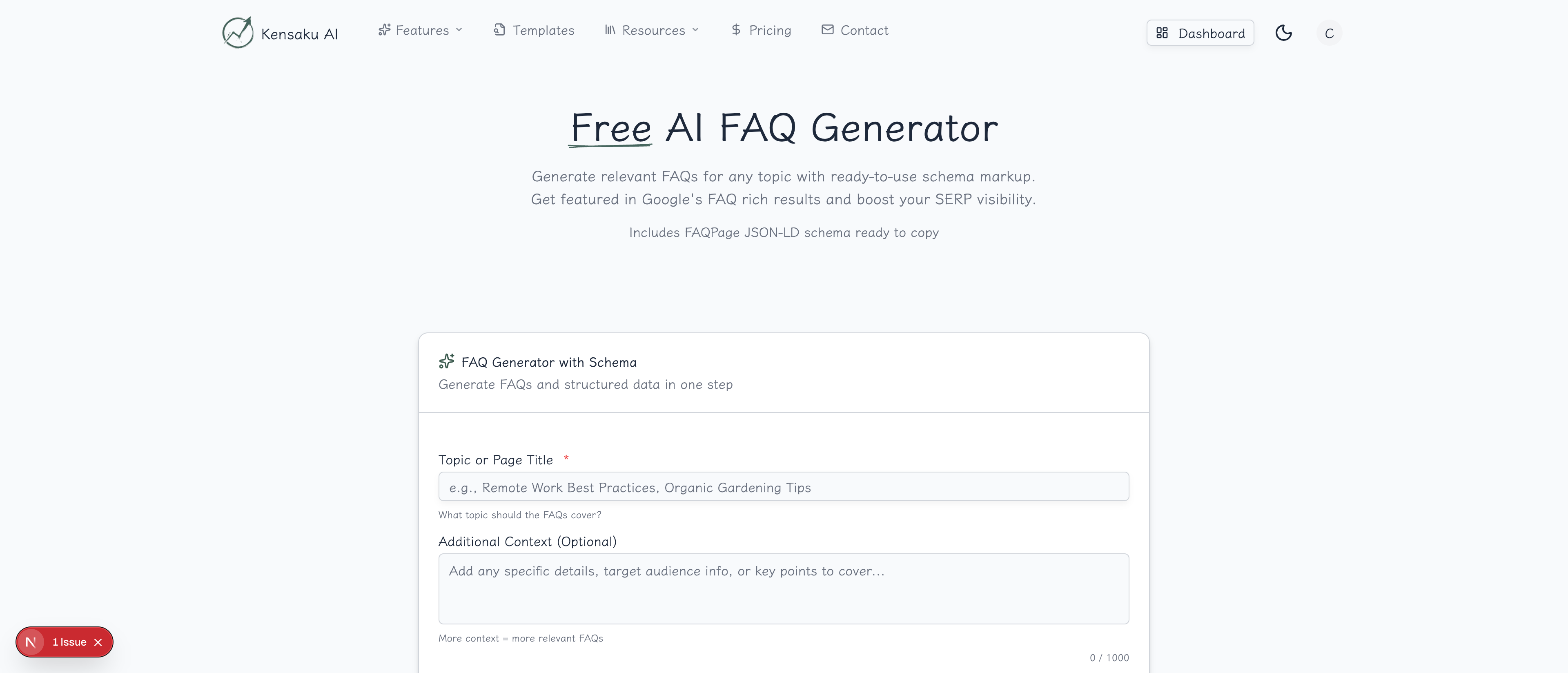
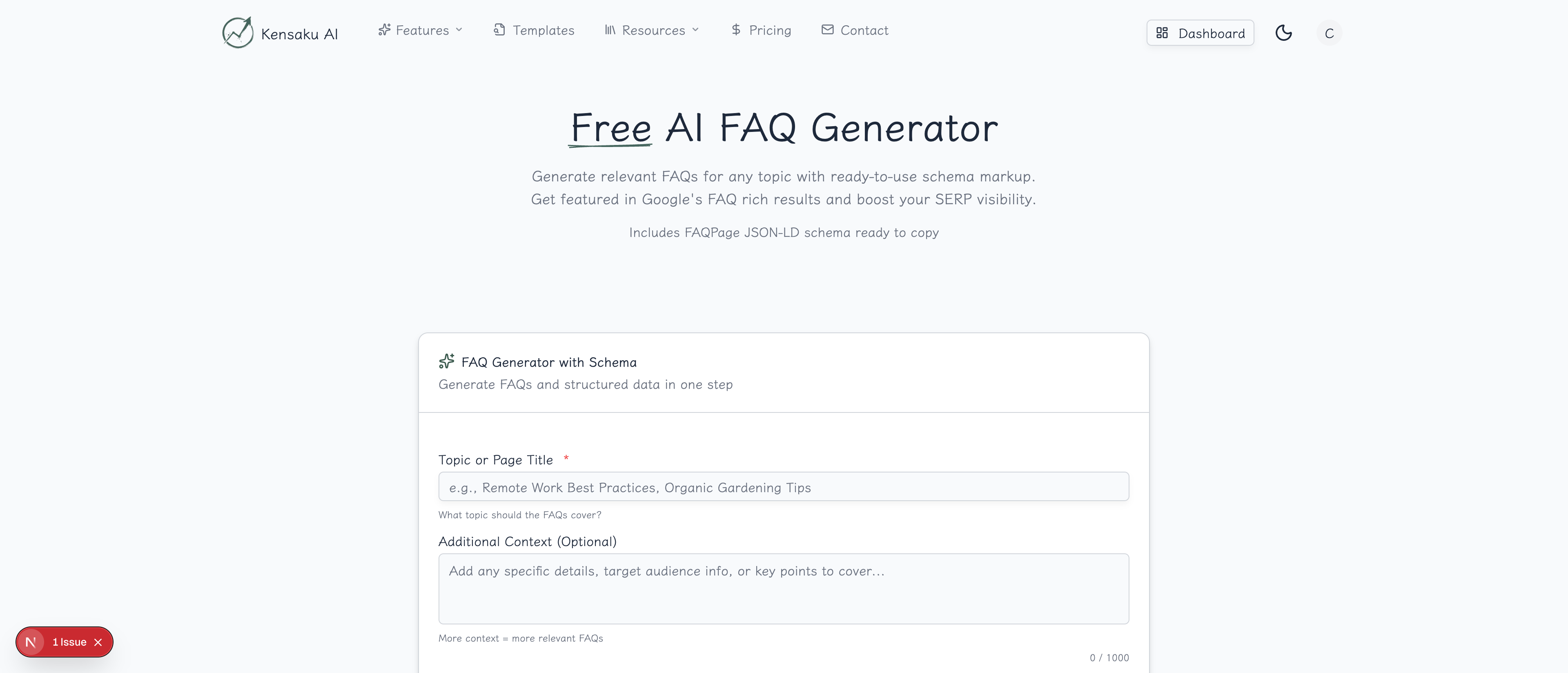
Our free AI FAQ Generator creates relevant, well-structured FAQ content that addresses real user questions and supports FAQ schema markup.
What is an FAQ Generator?
An FAQ generator uses AI to analyze your topic and produce relevant questions and answers that your audience is likely asking. Instead of guessing what questions to include, you get data-informed suggestions based on common search patterns and user intent.
Why FAQ Sections Matter for SEO
Rich Snippet Opportunities
When you implement FAQ schema markup, Google may display your questions directly in search results as expandable accordions. This dramatically increases your SERP real estate and click-through rates.
Long-Tail Keyword Capture
FAQ sections naturally target question-based queries:
- "How does programmatic SEO work?"
- "What is the best CRM for small businesses?"
- "Why should I use a meta description?"
These long-tail queries often have high intent and lower competition.
User Experience Benefits
FAQs provide immediate answers to common questions, reducing:
- Support tickets
- Bounce rates
- Time to conversion
Visitors who find their questions answered quickly are more likely to convert.
How the Generator Works
Step 1: Enter Your Topic
Provide the subject you want FAQs about. Be specific for better results:
Good examples:
- "Programmatic SEO for SaaS Companies"
- "Choosing the Right E-commerce Platform"
- "Local SEO for Dental Practices"
Less effective:
- "SEO"
- "Marketing"
- "Business"
Step 2: Customize Settings
Configure your output:
- Number of FAQs: Generate 5-15 question-answer pairs
- Tone: Professional, Casual, or Technical
- Audience: Beginners, Intermediate, or Experts
- Focus area (optional): Specific aspects to emphasize
Step 3: Generate and Refine
Click "Generate FAQs" and receive a structured list of questions with comprehensive answers. Review and edit as needed to match your brand voice.
Step 4: Export with Schema
Download your FAQs in multiple formats:
- Plain text for easy copying
- JSON-LD schema markup ready to paste
- Markdown for documentation
FAQ Content Best Practices
Write Natural Questions
Frame questions the way real users ask them:
Natural: "How much does programmatic SEO cost?" Unnatural: "Programmatic SEO pricing information"
Provide Complete Answers
Each answer should:
- Directly address the question
- Be comprehensive (100-300 words ideal)
- Include specific examples when relevant
- Link to detailed resources for complex topics
Target Different Intent Levels
Include a mix of question types:
| Question Type | Example | Intent |
|---|---|---|
| What is... | What is programmatic SEO? | Informational |
| How do I... | How do I start with pSEO? | Procedural |
| Why should... | Why should I use templates? | Justification |
| How much... | How much traffic can I expect? | Commercial |
| What's the difference... | pSEO vs traditional SEO? | Comparison |
Organize Logically
Group FAQs by category for longer lists:
- Getting Started
- Features & Capabilities
- Pricing & Plans
- Technical Requirements
- Troubleshooting
Implementing FAQ Schema Markup
What is FAQ Schema?
FAQ schema (structured data) tells search engines that your content contains frequently asked questions. When implemented correctly, Google may display your FAQs as rich results.
Basic Implementation
<script type="application/ld+json">
{
  "@context": "https://schema.org",
  "@type": "FAQPage",
  "mainEntity": [{
    "@type": "Question",
    "name": "What is programmatic SEO?",
    "acceptedAnswer": {
      "@type": "Answer",
      "text": "Programmatic SEO is a strategy for creating large numbers of targeted web pages using templates and data, rather than manually writing each page."
    }
  }]
}
</script>
Schema Best Practices
- Include only questions visible on the page
- Match schema content exactly to page content
- Limit to 10 FAQs per page for best results
- Test with Google's Rich Results Test
Scaling FAQs with Programmatic SEO
Template-Based FAQs
For programmatic SEO pages, create FAQ templates with variables:
Template:
Q: What is the best [tool] for [industry]?
A: The best [tool] for [industry] depends on your specific needs. Key factors to consider include [industry-specific factors]...

Outputs:
- What is the best CRM for real estate?
- What is the best CRM for healthcare?
- What is the best CRM for insurance?
Category-Specific FAQs
Different page types need different FAQ approaches:
| Page Type | FAQ Focus |
|---|---|
| Product pages | Features, pricing, comparison |
| Location pages | Service area, local info |
| Comparison pages | Differences, recommendations |
| How-to guides | Prerequisites, troubleshooting |
Avoiding Duplicate Content
When using FAQ templates:
- Include page-specific questions
- Vary answer examples by context
- Add unique local or industry data
- Mix template FAQs with custom questions
Common FAQ Mistakes
Too Short Answers
Weak: "Yes, we offer free trials." Strong: "Yes, we offer a 14-day free trial with full access to all features. No credit card required—simply sign up and start exploring. If you need more time, contact our team to discuss an extension."
Keyword Stuffing
Avoid: "Our SEO tool for SEO helps with SEO optimization for better SEO results." Better: "Our platform helps you identify keyword patterns, create optimized content at scale, and track your search rankings over time."
Ignoring User Intent
Your FAQs should answer questions users actually have, not questions you wish they'd ask. Use:
- Customer support tickets
- Sales call questions
- Search console query data
- Competitor FAQ sections
Outdated Information
FAQ sections often become stale. Schedule regular reviews to:
- Update pricing and features
- Add new common questions
- Remove irrelevant content
- Refresh examples and statistics
Measuring FAQ Performance
Key Metrics
Track these to evaluate FAQ effectiveness:
- Rich snippet appearances: Use Search Console
- CTR changes: Before/after FAQ implementation
- Time on page: Are users engaging with FAQs?
- Support tickets: Should decrease for covered topics
- Conversion rate: FAQs should increase confidence
A/B Testing FAQs
Test different approaches:
- Question order and grouping
- Answer length and detail
- Number of FAQs shown
- Accordion vs. expanded display
Integration with Other Tools
Build a complete FAQ strategy:
- Keyword Research Tool → Find question-based keywords
- FAQ Generator → Create relevant Q&A content
- Schema Generator → Implement proper markup
- Pattern Detector → Identify FAQ opportunities at scale
Get Started
Ready to generate comprehensive FAQs that boost your SEO and help your users? Try our free AI FAQ Generator now.
For teams managing hundreds of pages that need FAQ sections, explore our full platform with bulk generation, schema automation, and programmatic SEO capabilities.