Your meta description is your pitch to searchers. It's the snippet that appears below your title in search results, and it can make the difference between a click and a scroll-past. Yet many websites either leave them blank or write generic descriptions that fail to compel action.
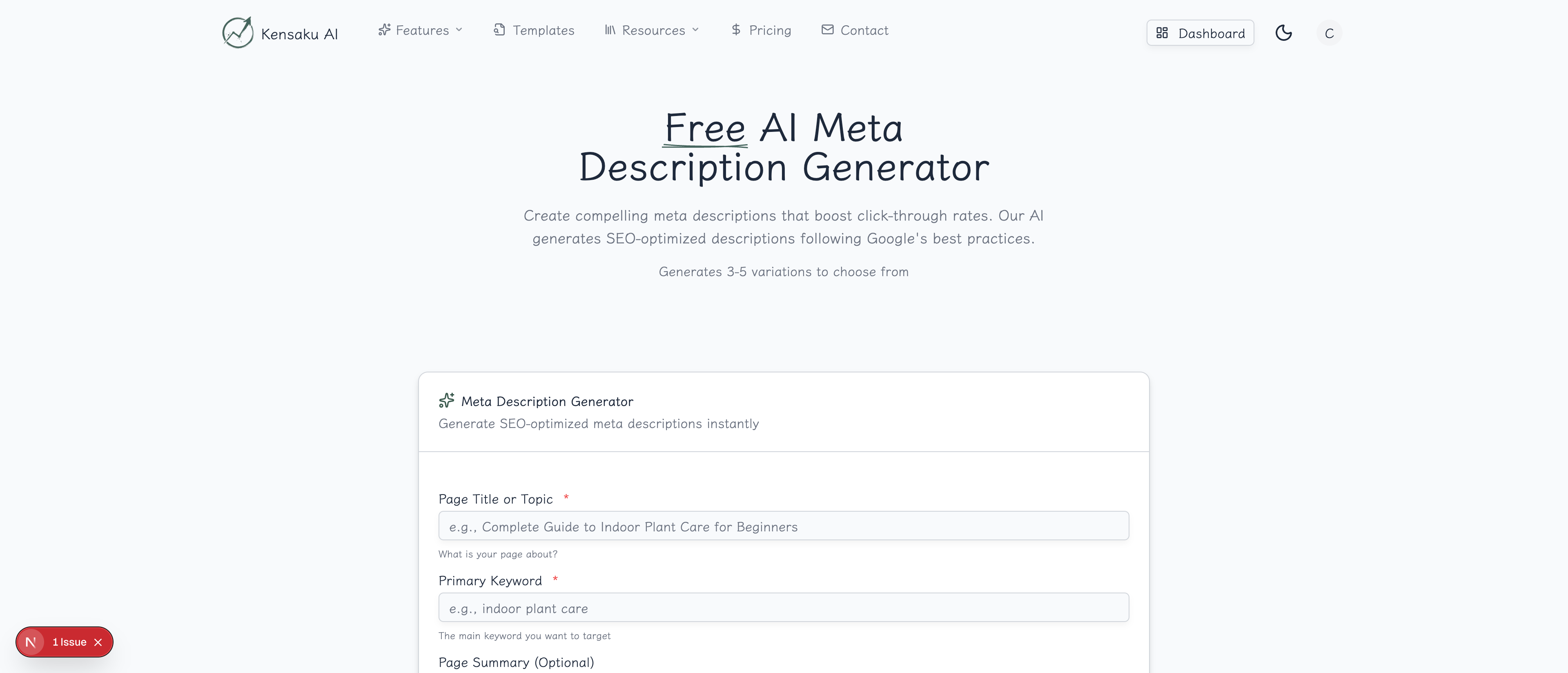
Our free AI Meta Description Generator creates optimized descriptions that follow Google's best practices and include compelling calls-to-action.
What is a Meta Description?
A meta description is an HTML attribute that provides a brief summary of a web page's content. It appears in search engine results pages (SERPs) below the page title and URL.
While meta descriptions aren't a direct ranking factor, they significantly impact:
- Click-through rates (CTR): Compelling descriptions get more clicks
- User expectations: They set the stage for what visitors will find
- SERP appearance: Google often uses your meta description as the snippet
Why Meta Descriptions Matter for SEO
The CTR Connection
Even if you rank #1 for a keyword, a poor meta description can cost you clicks. Studies show that improving meta descriptions can increase CTR by 5-10%, which compounds across thousands of impressions.
Keyword Highlighting
When your meta description includes the search query, Google bolds those words. This visual emphasis draws the eye and signals relevance to searchers.
Brand Voice Opportunity
Meta descriptions are one of the few places you control your messaging in search results. Use them to convey your brand voice and value proposition.
How the Generator Works
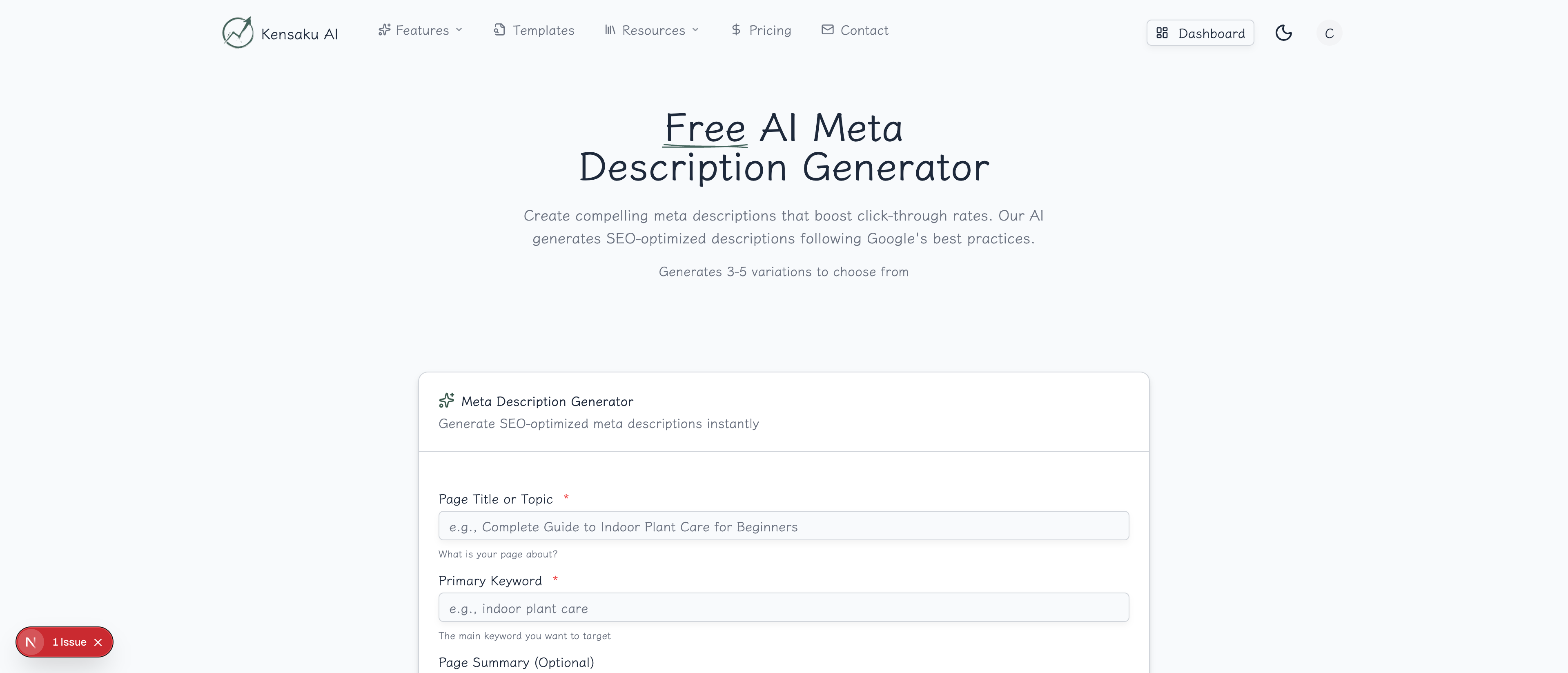
Step 1: Enter Your Page Title
Provide the title or topic of your page. Be specific—"Complete Guide to React Hooks" works better than "React Tutorial."
Step 2: Add Your Primary Keyword
Enter the main keyword you want to target. The AI naturally incorporates this keyword into the descriptions for SERP bolding.
Step 3: Customize Settings
Configure your output:
- Tone: Choose from Professional, Casual, Urgent, Friendly, or Authoritative
- Number of Variations: Generate 3-10 options to test
- Page Summary (optional): Add context for more relevant descriptions
Step 4: Choose Your Favorite
Review the generated options and select the one that best matches your page's content and intent.
Meta Description Best Practices
Optimal Length
Keep descriptions between 150-160 characters. Google truncates longer descriptions, which can cut off your call-to-action.
| Platform | Recommended Length |
|---|---|
| Desktop | 150-160 characters |
| Mobile | 120-130 characters |
| Safe zone | Under 155 characters |
Include a Call-to-Action
Every meta description should tell users what to do or expect:
Weak: "Information about programmatic SEO strategies." Strong: "Learn proven programmatic SEO strategies that generated 10M+ visits. Get the step-by-step guide."
Match Search Intent
Align your description with what the searcher wants:
- Informational queries: Promise answers and insights
- Commercial queries: Highlight benefits and comparisons
- Transactional queries: Emphasize action and urgency
Create Urgency or Curiosity
Give searchers a reason to click NOW:
- "Limited time offer..."
- "The surprising truth about..."
- "Why most businesses get this wrong..."
- "Updated for 2025..."
Common Meta Description Mistakes
Being Too Generic
❌ "We provide SEO services for businesses." ✅ "Boost organic traffic 340% with our data-driven SEO services. Free audit included."
Keyword Stuffing
❌ "SEO services, SEO agency, SEO company, best SEO, cheap SEO services..." ✅ "Award-winning SEO services that deliver measurable results. See our case studies."
Missing the CTA
❌ "This page contains information about our products and services." ✅ "Explore 50+ products with free shipping. Shop now and save 20% on your first order."
Duplicate Descriptions
Every page needs a unique meta description. Duplicate descriptions confuse search engines and miss optimization opportunities.
Tone Selection Guide
Choose your tone based on your audience and content type:
| Tone | Best For | Example Style |
|---|---|---|
| Professional | B2B, Enterprise | Data-driven, authoritative |
| Casual | Lifestyle, Blogs | Conversational, friendly |
| Urgent | Sales, Limited offers | Action-oriented, time-sensitive |
| Friendly | Consumer brands | Warm, approachable |
| Authoritative | Expert content | Confident, credible |
A/B Testing Your Descriptions
Don't settle for the first description that sounds good. Test variations:
- Generate multiple options using the tool
- Test different angles: Benefits vs. features, urgency vs. information
- Monitor CTR changes in Google Search Console
- Iterate based on data: Replace underperformers
Integration with Programmatic SEO
For programmatic SEO at scale, meta descriptions follow templates:
Template: "[Topic] guide for [Audience]. Learn [Benefit]. [CTA]"

Example outputs:
- "CRM guide for real estate agents. Learn to close 3x more deals. Get started free."
- "CRM guide for healthcare providers. Learn to improve patient outcomes. Get started free."
Our generator helps you create base descriptions that work across your templated pages while maintaining uniqueness.
Measuring Success
Track these metrics to gauge meta description effectiveness:
- CTR by page: Compare before/after optimization
- Impressions vs. clicks: Identify high-impression, low-CTR pages
- Position changes: Sometimes better CTR improves rankings
- Bounce rate: Ensure descriptions accurately represent content
Get Started
Ready to write meta descriptions that convert? Try our free AI Meta Description Generator now.
For teams managing hundreds or thousands of pages, explore our full platform with bulk generation and programmatic SEO capabilities.