When someone shares your content on social media, the preview can make or break whether others click through. A compelling image, title, and description dramatically increase engagement—but without proper Open Graph tags, platforms just guess at what to show. The results are often embarrassing.
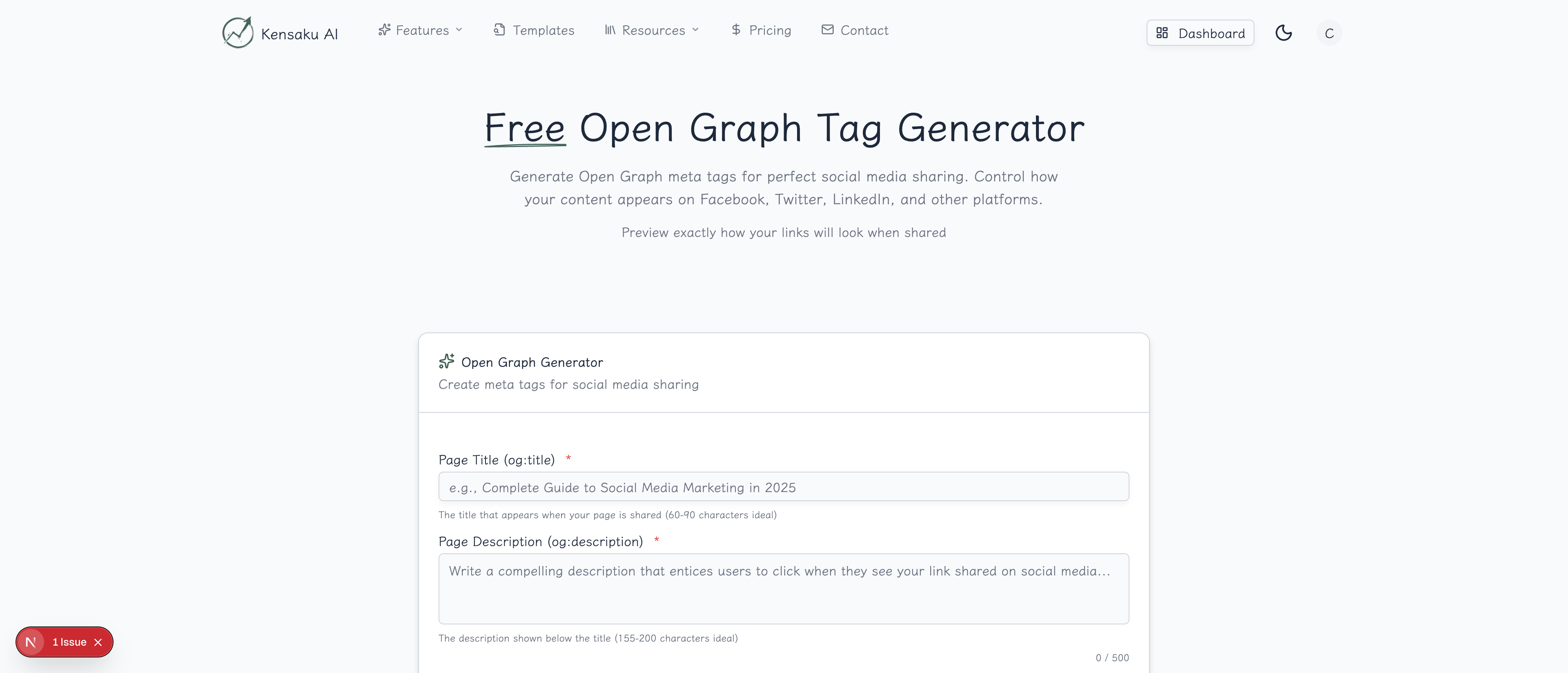
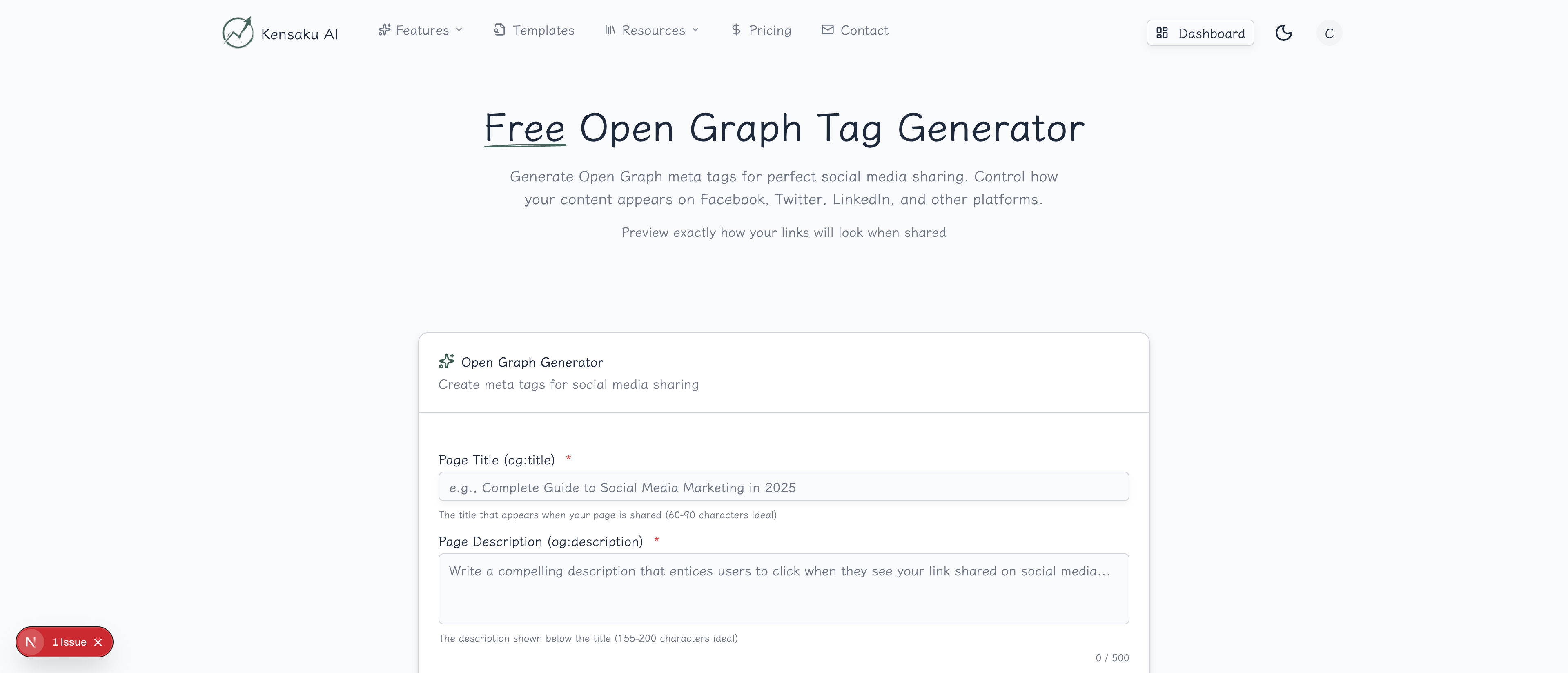
Our free Open Graph Generator creates properly formatted OG meta tags that ensure your content looks professional and click-worthy across all social platforms.
What are Open Graph Tags?
Open Graph (OG) is a protocol created by Facebook that allows web pages to control how they appear when shared on social media. These meta tags tell platforms exactly what title, description, and image to display in the preview.
Basic Open Graph tags look like:
<meta property="og:title" content="Your Page Title" />
<meta property="og:description" content="A compelling description" />
<meta property="og:image" content="https://example.com/image.jpg" />
<meta property="og:url" content="https://example.com/page" />
<meta property="og:type" content="article" />
Why Open Graph Matters
First Impressions Drive Clicks
When your content is shared, the preview is your advertisement. Studies show:
| Preview Quality | Click Impact |
|---|---|
| Custom image + optimized text | +300% clicks |
| Generic/missing image | -50% clicks |
| Truncated or wrong text | -40% clicks |
Brand Consistency
Without OG tags, each platform displays your content differently—often pulling random images or cutting off text mid-sentence. OG tags ensure consistent, professional presentation everywhere.
Viral Potential
Content that looks good gets shared more. A compelling preview encourages shares, which leads to more shares, creating viral potential that ugly previews can't achieve.
Platform-Specific Optimization
Different platforms have different requirements. Twitter uses its own Cards markup, LinkedIn has preferences, and Facebook has specific image dimensions. Proper OG tags handle all of them.
How the Generator Works
Step 1: Enter Basic Information
Provide the core details:
- Page Title: The title shown in the share preview (keep under 60 characters)
- Description: A compelling summary (keep under 160 characters)
- URL: The canonical URL of your page
- Site Name: Your website or brand name
Step 2: Add Your Image
Upload or enter the URL of your share image. Optimal dimensions:
| Platform | Image Size | Aspect Ratio |
|---|---|---|
| 1200 x 630 px | 1.91:1 | |
| 1200 x 628 px | 1.91:1 | |
| 1200 x 627 px | 1.91:1 | |
| General | 1200 x 630 px | 1.91:1 |
Image tips:
- Use high contrast for visibility
- Include text overlay sparingly
- Ensure image works as a square crop too
- File size under 5MB
Step 3: Select Content Type
Choose your content type for proper classification:
- website: Default for home/general pages
- article: Blog posts, news, content pieces
- product: E-commerce product pages
- video: Video content pages
- profile: Personal or company profiles
Step 4: Add Twitter Card Tags (Optional)
Include Twitter-specific markup for optimal display:
<meta name="twitter:card" content="summary_large_image" />
<meta name="twitter:site" content="@yourhandle" />
<meta name="twitter:creator" content="@authorhandle" />
Step 5: Generate and Implement
Click "Generate" to receive all necessary meta tags. Copy and paste them into your page's <head> section.
Complete Open Graph Tag Reference
Required Tags
<!-- Essential OG tags -->
<meta property="og:title" content="Page Title" />
<meta property="og:type" content="website" />
<meta property="og:image" content="https://example.com/image.jpg" />
<meta property="og:url" content="https://example.com/page" />
Recommended Tags
<!-- Highly recommended -->
<meta property="og:description" content="Page description" />
<meta property="og:site_name" content="Your Site Name" />
<meta property="og:locale" content="en_US" />
Image Tags
<!-- Detailed image properties -->
<meta property="og:image" content="https://example.com/image.jpg" />
<meta property="og:image:secure_url" content="https://example.com/image.jpg" />
<meta property="og:image:type" content="image/jpeg" />
<meta property="og:image:width" content="1200" />
<meta property="og:image:height" content="630" />
<meta property="og:image:alt" content="Description of image" />
Article-Specific Tags
<!-- For blog posts and articles -->
<meta property="og:type" content="article" />
<meta property="article:published_time" content="2025-01-11T00:00:00Z" />
<meta property="article:modified_time" content="2025-01-11T00:00:00Z" />
<meta property="article:author" content="Author Name" />
<meta property="article:section" content="Technology" />
<meta property="article:tag" content="SEO" />
Twitter Card Tags
<!-- Twitter-specific tags -->
<meta name="twitter:card" content="summary_large_image" />
<meta name="twitter:site" content="@sitehandle" />
<meta name="twitter:creator" content="@authorhandle" />
<meta name="twitter:title" content="Page Title" />
<meta name="twitter:description" content="Page description" />
<meta name="twitter:image" content="https://example.com/image.jpg" />
<meta name="twitter:image:alt" content="Image description" />
Platform-Specific Considerations
- Requires minimum 200x200px images (1200x630 recommended)
- Caches images aggressively—use Facebook Debugger to refresh
- Shows first 2-3 lines of description
- Supports multiple images (shows first one)
Twitter/X
- Uses Twitter Cards (summary or summary_large_image)
- Falls back to OG tags if Twitter tags missing
- Maximum image size 5MB
- Validates via Twitter Card Validator
- Prefers 1200x627 images
- Very strict about image requirements
- Caches aggressively—may take time to update
- Uses OG tags directly
- Relies heavily on
og:image - Benefits from Pinterest-specific tags
- Pin descriptions often come from OG description
- Vertical images perform better (2:3 ratio)
Slack/Discord/WhatsApp
- All use Open Graph tags
- Show title, description, and image
- Smaller image previews than social networks
- Square crop sometimes used
Creating Effective Share Images
Design Principles
- High contrast: Ensure text readable on small thumbnails
- Bold typography: Large, clear fonts
- Brand colors: Consistent with your site
- Minimal text: Let the image speak
- Face or product focus: Human faces increase engagement
Image Templates
Create templates for different content types:
| Content Type | Image Focus |
|---|---|
| Blog posts | Topic illustration + headline |
| Products | Product photo + price/offer |
| Company pages | Logo + tagline |
| Events | Event name + date + venue |
| Profiles | Headshot + name + title |
Tools for Creating Share Images
- Canva: Templates specifically for OG images
- Figma: Design custom templates
- Pablo by Buffer: Quick social media graphics
- Automated tools: Generate dynamically from templates
Programmatic SEO Considerations
Template-Based OG Tags
For thousands of programmatic SEO pages, create OG tag templates:
<!-- Template approach -->
<meta property="og:title" content="Best {product} for {industry} | Compare & Save" />
<meta property="og:description" content="Compare top {product} solutions for {industry}. Find pricing, features, and reviews." />
<meta property="og:image" content="https://example.com/og/{product}-{industry}.jpg" />
Dynamic Image Generation
For programmatic pages, consider:
- Template images: Pre-made images with text overlay
- Dynamic generation: Services like Cloudinary, Imgix
- API-based: Generate images on-demand from templates
- Fallback images: Category-level defaults
Quality at Scale
When managing OG tags across thousands of pages:
- Validate templates with longest/shortest variables
- Test representative pages across platforms
- Monitor share performance in analytics
- Set up fallbacks for edge cases
Testing Your Open Graph Tags
Facebook Sharing Debugger
Facebook's official tool (developers.facebook.com/tools/debug/):
- Enter your URL
- See exactly how Facebook reads your tags
- Click "Scrape Again" to clear cache
- Check for warnings and errors
Twitter Card Validator
Twitter's validation tool (cards-dev.twitter.com/validator):
- Enter your URL
- Preview how your card appears
- Identify missing or incorrect tags
- Note: Now requires login
LinkedIn Post Inspector
LinkedIn's tool (linkedin.com/post-inspector):
- Enter your URL
- See LinkedIn's preview
- Click refresh to clear cache
- Check for issues
OpenGraph.xyz
Third-party testing tool:
- Shows previews for multiple platforms
- Side-by-side comparisons
- No login required
- Real-time preview editing
Common Open Graph Mistakes
Missing Image
Problem: No image specified or broken URL Result: Platform shows generic icon or random page image Fix: Always include og:image with full absolute URL
Wrong Image Dimensions
Problem: Image too small or wrong aspect ratio Result: Cropped, pixelated, or rejected image Fix: Use 1200x630px minimum for all platforms
Relative URLs
Problem: Using /image.jpg instead of full URL
Result: Images don't load when shared
Fix: Always use absolute URLs: https://example.com/image.jpg
Duplicate Tags
Problem: Multiple og:title or og:image tags Result: Unpredictable which one platforms use Fix: One of each tag type, properly structured
Cached Old Content
Problem: Updated tags but old preview showing Result: Outdated content in shares Fix: Use platform debuggers to force cache refresh
Measuring Social Sharing Performance
Key Metrics
Track these to evaluate OG tag effectiveness:
- Click-through rate: Clicks from social platforms
- Share count: How often content is shared
- Engagement rate: Likes, comments, reactions
- Referral traffic: Social traffic in analytics
A/B Testing Approaches
Test different OG configurations:
- Image styles (photo vs. illustration)
- Title formats (question vs. statement)
- Description lengths
- Call-to-action presence
Analytics Integration
Connect sharing data with your analytics:
- UTM parameters for share links
- Social referral tracking
- Conversion attribution from social
Integration with Content Workflow
Build OG optimization into your process:
- Content creation → Write title and description
- Open Graph Generator → Create proper tags
- Image creation → Design share image
- Testing → Validate across platforms
- Publishing → Deploy with correct meta tags
- Promotion → Share with confidence
Get Started
Ready to make your content look professional on every social platform? Try our free Open Graph Generator now.
For teams managing programmatic SEO at scale, explore our full platform with automated OG tag generation and bulk social optimization across thousands of pages.