Readability directly impacts how long visitors stay on your page—and whether they convert. Content that's too complex loses readers, while content that's too simple may lack authority. Finding the right balance is key to SEO success and user engagement.
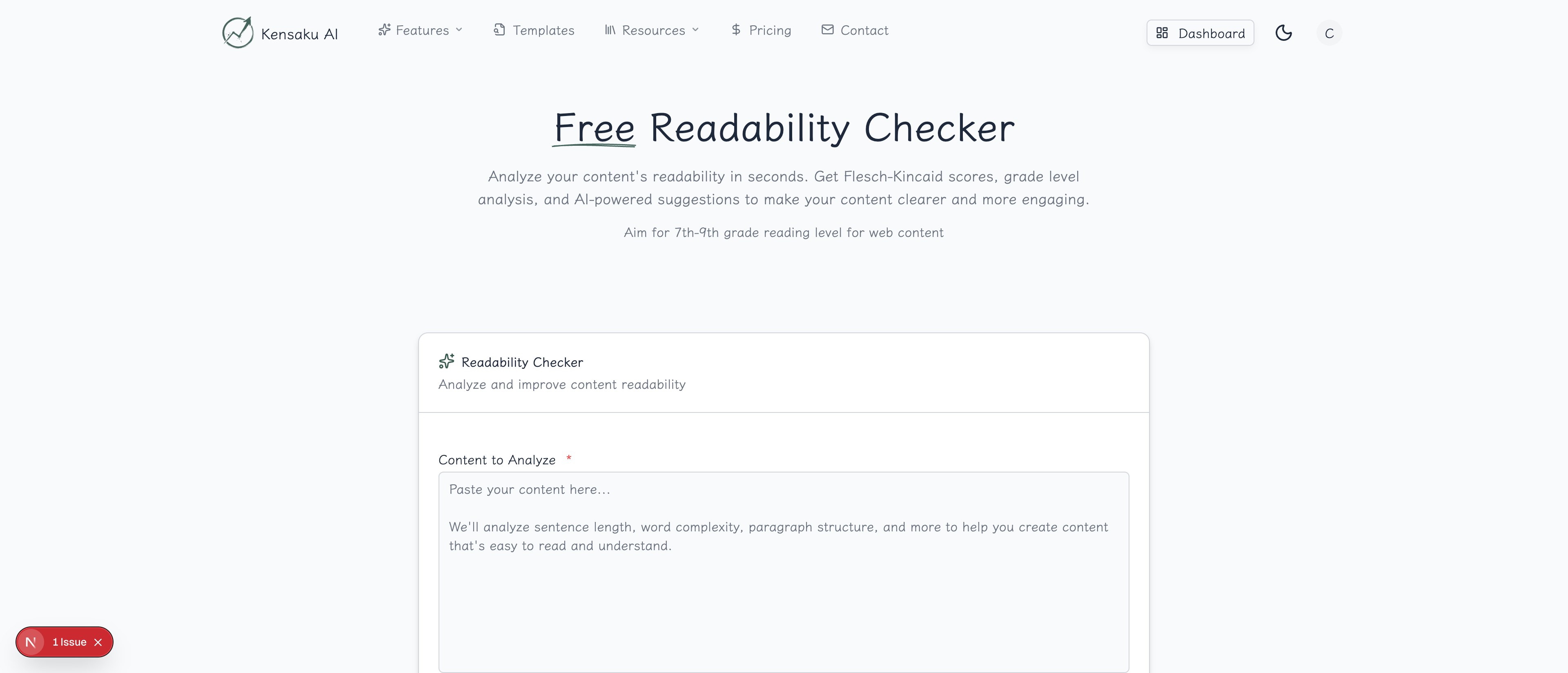
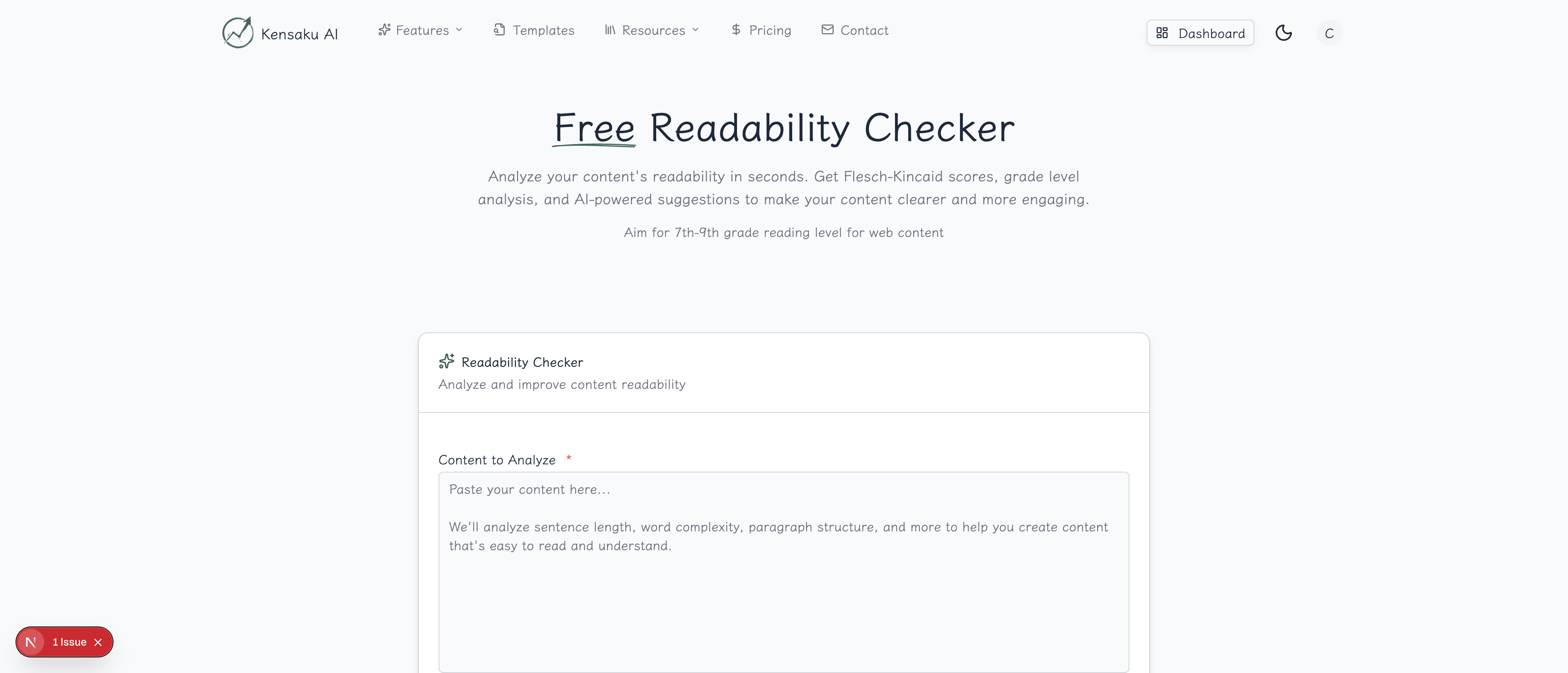
Our free Readability Checker analyzes your content and provides actionable suggestions to improve clarity without sacrificing depth.
What is Readability?
Readability measures how easy your content is to read and understand. It considers factors like:
- Sentence length and complexity
- Word difficulty and syllable count
- Paragraph structure
- Use of passive voice
- Technical jargon density
Why Readability Matters for SEO
User Experience Signals
Google tracks user behavior to assess content quality:
- Bounce rate: Hard-to-read content drives visitors away
- Time on page: Readable content keeps visitors engaged
- Pages per session: Clear content encourages exploration
Broader Audience Reach
The average American reads at an 8th-grade level. Writing at this level:
- Reaches the widest audience
- Reduces cognitive load
- Improves comprehension and retention
Mobile Reading
On mobile devices, readability becomes even more critical:
- Smaller screens require shorter sentences
- Scanning behavior dominates
- Complex sentences cause frustration
Readability Scoring Systems
Flesch Reading Ease
The most common readability score:
| Score | Reading Level | Best For |
|---|---|---|
| 90-100 | 5th grade | Children's content |
| 80-90 | 6th grade | Conversational |
| 70-80 | 7th grade | General audience |
| 60-70 | 8th-9th grade | Standard web content |
| 50-60 | 10th-12th grade | College prep |
| 30-50 | College | Academic, professional |
| 0-30 | Graduate | Technical, legal |
Target: 60-70 for most web content
Flesch-Kincaid Grade Level
Translates readability into U.S. school grades:
- Grade 6-8: Ideal for general audience
- Grade 9-12: Acceptable for educated readers
- Grade 12+: Too complex for most web content
Other Metrics
- Gunning Fog Index: Emphasizes complex words
- SMOG Index: Focus on polysyllabic words
- Coleman-Liau Index: Based on characters, not syllables
How the Tool Works
Step 1: Enter Your Content
Paste your text, article, or blog post. The tool works best with:
- Complete paragraphs (not just sentences)
- At least 100 words for accurate scoring
- Content without code blocks or special formatting
Step 2: Analyze
The checker evaluates:
- Overall readability score
- Sentence complexity distribution
- Difficult word identification
- Passive voice usage
- Paragraph length analysis
Step 3: Review Recommendations
Get specific suggestions:
- Sentences to shorten
- Complex words to simplify
- Passive voice to rewrite
- Long paragraphs to break up
Step 4: Iterate
Make improvements and re-analyze until you reach your target score.
Improving Readability
Shorten Sentences
Before (32 words): "The implementation of programmatic SEO strategies, which involves the creation of large numbers of targeted web pages using templates and data, can significantly improve organic search visibility for businesses."
After (16 words): "Programmatic SEO creates thousands of targeted pages using templates. This strategy dramatically improves organic search visibility."
Simplify Word Choice
| Complex | Simple |
|---|---|
| Utilize | Use |
| Implement | Start, Do |
| Subsequently | Then |
| Facilitate | Help |
| Optimize | Improve |
| Leverage | Use |
Reduce Passive Voice
Passive: "The content was written by our team." Active: "Our team wrote the content."
Passive: "Rankings were improved through SEO." Active: "SEO improved rankings."
Break Up Long Paragraphs
Ideal paragraph length for web:
- 2-4 sentences maximum
- One main idea per paragraph
- White space improves scanning
Use Subheadings
Subheadings every 200-300 words:
- Improve scannability
- Create logical breaks
- Help readers navigate
- Boost SEO with keywords
Readability by Content Type
Blog Posts
Target: Flesch Reading Ease 60-70
- Conversational tone
- Short paragraphs
- Plenty of subheadings
- Lists and bullet points
Technical Documentation
Target: Flesch Reading Ease 50-60
- Allow necessary technical terms
- Define jargon on first use
- Use examples liberally
- Include code samples separately
Landing Pages
Target: Flesch Reading Ease 70-80
- Ultra-clear value propositions
- Short, punchy sentences
- Scannable bullet points
- Strong action words
Email Marketing
Target: Flesch Reading Ease 70-80
- Brief and direct
- One clear CTA
- Mobile-optimized length
- Conversational style
Programmatic SEO Considerations
Template Readability
When creating programmatic SEO page templates:
- Analyze template text separately from variables
- Test with longest/shortest variable combinations
- Ensure consistent readability across all variations
Dynamic Content Challenges
Variable content can affect readability:
- Product names may include technical terms
- Location names vary in complexity
- Generated content needs quality controls
Quality at Scale
For thousands of pages:
- Set minimum readability thresholds
- Flag pages below threshold for review
- Build readability checks into content pipeline
Common Readability Mistakes
Writing to Impress, Not Express
Bad: "Leveraging synergistic methodologies to optimize your digital footprint..." Good: "Use proven strategies to improve your online presence..."
Jargon Overload
Bad: "Implement a comprehensive SEO strategy incorporating on-page optimization, technical SEO audits, and link building campaigns." Good: "Improve your SEO with better content, faster pages, and quality backlinks."
Run-On Sentences
Bad: "When you're creating content for your website you should always consider who your audience is and what they're looking for because understanding their needs will help you create content that resonates with them and ultimately drives conversions."
Good: "Consider your audience when creating content. Understand what they need. This helps you create content that resonates and converts."
Avoiding All Complexity
Some complexity is appropriate:
- Technical audiences expect technical language
- Establishing authority requires some sophistication
- Over-simplification can seem patronizing
Find the right balance for your audience.
Measuring Readability Impact
Track Before and After
When improving readability:
- Record baseline metrics (time on page, bounce rate)
- Improve readability score
- Wait 2-4 weeks for data
- Compare engagement metrics
Expected Improvements
| Readability Change | Typical Impact |
|---|---|
| +10 Flesch points | -5% bounce rate |
| +20 Flesch points | +15% time on page |
| Grade 12 → Grade 8 | +25% completion rate |
A/B Testing
Test readability variations:
- Same content, different complexity
- Measure actual user behavior
- Let data guide decisions
Integration with Content Workflow
- Content Brief Generator → Plan your content
- Write draft → First version
- Readability Checker → Analyze and improve
- Headline Analyzer → Optimize title
- Meta Description Generator → Create snippet
- Publish → Monitor engagement
Tools and Techniques
Writing for Readability
- Write first drafts freely
- Edit ruthlessly for clarity
- Read aloud to catch issues
- Use short words when possible
- Prefer active voice
- One idea per paragraph
Hemingway App Approach
Write like Hemingway:
- Short sentences
- Strong verbs
- Minimal adverbs
- Concrete nouns
- Clear structure
Get Started
Ready to make your content more readable? Try our free Readability Checker now.
For teams creating programmatic SEO content at scale, explore our full platform with automated readability analysis across thousands of pages.