Schema markup is one of the most underutilized SEO tactics. When implemented correctly, it can dramatically increase your visibility in search results with rich snippets—star ratings, FAQ dropdowns, product prices, and more. But writing valid JSON-LD by hand is tedious and error-prone.
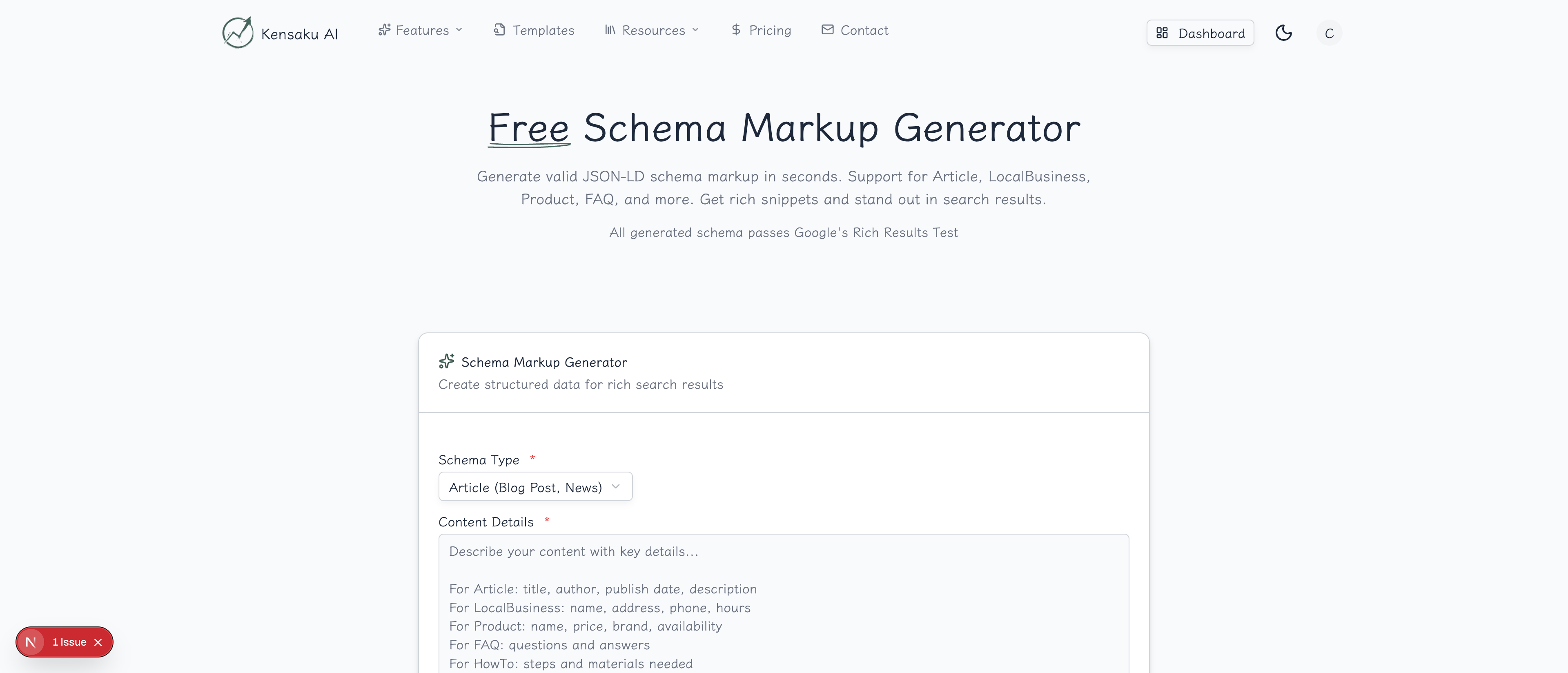
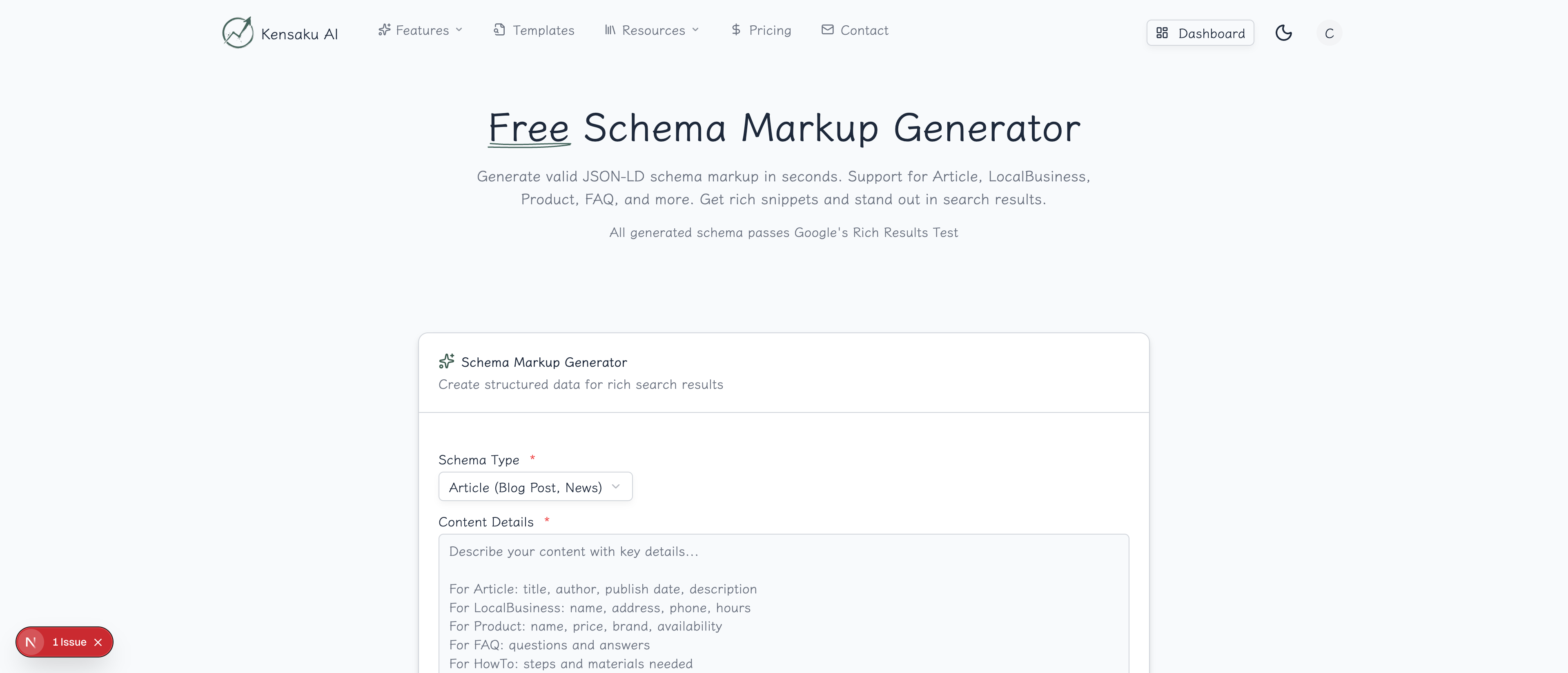
Our free Schema Markup Generator creates properly formatted JSON-LD structured data that passes Google's validation, ready to copy and paste into your pages.
What is Schema Markup?
Schema markup (structured data) is code that helps search engines understand your content. It uses the Schema.org vocabulary—a collaborative project between Google, Bing, Yahoo, and Yandex—to describe content in a standardized way.
When search engines understand your content better, they can display it more prominently with rich results:
- Review stars: Product ratings displayed directly in search results
- FAQ dropdowns: Expandable Q&A sections in SERPs
- Recipe cards: Cooking time, calories, and ratings
- Event details: Dates, locations, and ticket prices
- Business info: Hours, phone, and address in Knowledge Panel
- How-to steps: Step-by-step instructions with images
Why Schema Matters for SEO
Rich Results Drive Clicks
Rich snippets stand out in search results. Studies show:
| Rich Result Type | CTR Increase |
|---|---|
| Review stars | +35% |
| FAQ schema | +25% |
| Product schema | +30% |
| How-to schema | +20% |
Competitive Advantage
Most websites don't use schema markup. By implementing it correctly, you gain visibility that competitors miss.
Future-Proofing
As search becomes more AI-driven, structured data becomes more important. Google, Bing, and AI assistants all rely on schema to understand and present content.
Voice Search Optimization
Voice assistants use structured data to answer questions. FAQ and How-to schema are particularly valuable for voice search visibility.
How the Generator Works
Step 1: Select Schema Type
Choose the type of content you're marking up:
| Schema Type | Best For |
|---|---|
| Article | Blog posts, news articles, editorial content |
| LocalBusiness | Physical businesses with locations |
| Product | E-commerce products with prices and reviews |
| FAQ | FAQ pages with question-answer pairs |
| HowTo | Tutorials and step-by-step guides |
| Event | Events with dates, locations, tickets |
| Organization | Company information |
| Person | Author or personality profiles |
| Recipe | Cooking recipes with ingredients and steps |
| Video | Video content with metadata |
Step 2: Enter Content Details
Provide the relevant information for your chosen schema type. The more detail you include, the more complete your schema:
For Articles:
- Headline and description
- Author name and URL
- Publication and modification dates
- Featured image URL
For Products:
- Product name and description
- Price and currency
- Availability status
- Review rating and count
- Brand and SKU
For Local Businesses:
- Business name and type
- Address and coordinates
- Phone and hours
- Price range and payment methods
Step 3: Add Your Page URL
Enter the canonical URL where this schema will be implemented. This enables proper self-referencing in the JSON-LD.
Step 4: Generate and Implement
Click "Generate Schema" to receive valid JSON-LD code. Copy and paste it into your page's <head> section or use an SEO plugin.
Schema Types Explained
Article Schema
For blog posts, news articles, and editorial content:
{
  "@context": "https://schema.org",
  "@type": "Article",
  "headline": "How to Implement Programmatic SEO",
  "author": {
    "@type": "Person",
    "name": "John Smith"
  },
  "datePublished": "2025-01-11",
  "image": "https://example.com/image.jpg"
}
Required fields:
- Headline
- Author
- Date published
- Image
LocalBusiness Schema
For physical businesses with locations:
{
  "@context": "https://schema.org",
  "@type": "LocalBusiness",
  "name": "Joe's Pizza",
  "address": {
    "@type": "PostalAddress",
    "streetAddress": "123 Main St",
    "addressLocality": "Austin",
    "addressRegion": "TX"
  },
  "telephone": "+1-512-555-0100"
}
Key fields:
- Business name and type
- Full address
- Phone number
- Opening hours
- Geo coordinates
Product Schema
For e-commerce pages:
{
  "@context": "https://schema.org",
  "@type": "Product",
  "name": "Premium Widget",
  "offers": {
    "@type": "Offer",
    "price": "29.99",
    "priceCurrency": "USD",
    "availability": "https://schema.org/InStock"
  }
}
Important fields:
- Product name and description
- Price and currency
- Availability status
- Reviews and ratings
- Brand and images
FAQ Schema
For FAQ pages with expandable answers:
{
  "@context": "https://schema.org",
  "@type": "FAQPage",
  "mainEntity": [{
    "@type": "Question",
    "name": "What is programmatic SEO?",
    "acceptedAnswer": {
      "@type": "Answer",
      "text": "Programmatic SEO is a strategy..."
    }
  }]
}
Best practices:
- Include 5-10 questions maximum
- Match schema content to visible page content
- Use complete, helpful answers
HowTo Schema
For tutorials and step-by-step guides:
{
  "@context": "https://schema.org",
  "@type": "HowTo",
  "name": "How to Create Programmatic SEO Pages",
  "step": [{
    "@type": "HowToStep",
    "name": "Identify patterns",
    "text": "Find repeatable keyword patterns..."
  }]
}
Include:
- Clear step titles
- Detailed step descriptions
- Time estimates
- Tools/materials needed
Implementing Schema Markup
Method 1: Direct HTML
Add JSON-LD directly in your <head> section:
<head>
  <script type="application/ld+json">
    {
      "@context": "https://schema.org",
      "@type": "Article",
      ...
    }
  </script>
</head>
Method 2: SEO Plugin
Most SEO plugins support custom schema:
- Yoast SEO: Schema tab in post editor
- Rank Math: Custom JSON-LD field
- All in One SEO: Schema generator built-in
Method 3: Google Tag Manager
For sites with GTM:
- Create Custom HTML tag
- Paste your JSON-LD
- Set trigger for relevant pages
Validating Your Schema
Google Rich Results Test
Test your implementation at Google's Rich Results Test:
- Enter your URL or paste code
- Review any errors or warnings
- See which rich results you're eligible for
Schema Markup Validator
Use Schema.org's validator for comprehensive validation:
- Checks all schema types
- Shows exactly what Google sees
- Identifies missing fields
Common Validation Errors
| Error | Solution |
|---|---|
| Missing required field | Add all required properties |
| Invalid URL format | Use absolute URLs with https:// |
| Date format wrong | Use ISO 8601: YYYY-MM-DD |
| Image not found | Verify image URL is accessible |
Programmatic SEO Considerations
Template-Based Schema
For programmatic SEO pages, create schema templates with variables:
Template:
{
  "@type": "LocalBusiness",
  "name": "[Business Name] in [City]",
  "address": {
    "addressLocality": "[City]",
    "addressRegion": "[State]"
  }
}

Generates thousands of valid schemas automatically
Dynamic Schema Generation
For product or location pages:
- Store schema templates
- Populate with database values
- Validate generated output
- Monitor for errors at scale
Quality Control at Scale
When implementing schema across thousands of pages:
- Sample and validate random pages
- Set up alerts for schema errors in Search Console
- Use automated testing in your CI/CD pipeline
- Monitor rich result appearance in Search Console
Schema Best Practices
Match Visible Content
Google requires schema content to match what users see on the page. Never include:
- Hidden content
- Inflated ratings
- Misleading information
Don't Over-Markup
Only add schema for content actually on the page. Adding FAQ schema without visible FAQs violates guidelines.
Keep It Updated
Outdated schema (wrong prices, old dates) can hurt trust. For dynamic content:
- Update schema when content changes
- Use automated generation when possible
- Review periodically for accuracy
Use Specific Types
Be as specific as possible:
- Use "Restaurant" instead of "LocalBusiness"
- Use "NewsArticle" instead of "Article"
- Use exact product categories when available
Measuring Schema Impact
Track Rich Results
In Google Search Console:
- Go to Enhancements section
- View each schema type's status
- Monitor impressions and clicks
- Fix any reported issues
Expected Results Timeline
| Timeframe | Expectation |
|---|---|
| Week 1 | Schema validated, no errors |
| Weeks 2-4 | Google discovers and indexes schema |
| Months 1-2 | Rich results begin appearing |
| Months 3+ | Full impact measurable |
Attribution Challenges
Rich results don't always show. Track:
- Overall CTR changes
- Branded vs. non-branded click trends
- Position changes for schema-enabled pages
Common Schema Questions
Does Schema Directly Affect Rankings?
Schema is not a direct ranking factor. However, rich results increase CTR, which can indirectly improve rankings through user engagement signals.
How Many Schema Types Per Page?
You can use multiple schema types on one page (e.g., Article + FAQ + Organization), but each must describe content actually present.
Will My Schema Always Show?
No. Google decides when to display rich results based on:
- Query relevance
- User location and device
- Competition
- Schema quality
Valid schema increases your chances but doesn't guarantee rich results.
Integration with Content Workflow
Build schema into your content process:
- Content Brief Generator → Plan content structure
- Write content → Create page with FAQs, steps, etc.
- Schema Generator → Create matching structured data
- Validation → Test before publishing
- Monitor → Track rich results in Search Console
Get Started
Ready to earn rich snippets and stand out in search results? Try our free Schema Markup Generator now.
For teams managing hundreds of pages that need structured data, explore our full platform with automated schema generation and bulk implementation across your programmatic SEO pages.