
Dashboard Overview
Learn how to use the Kensaku AI dashboard - your central hub for managing PSEO projects, content generation, and WordPress publishing.
Overview
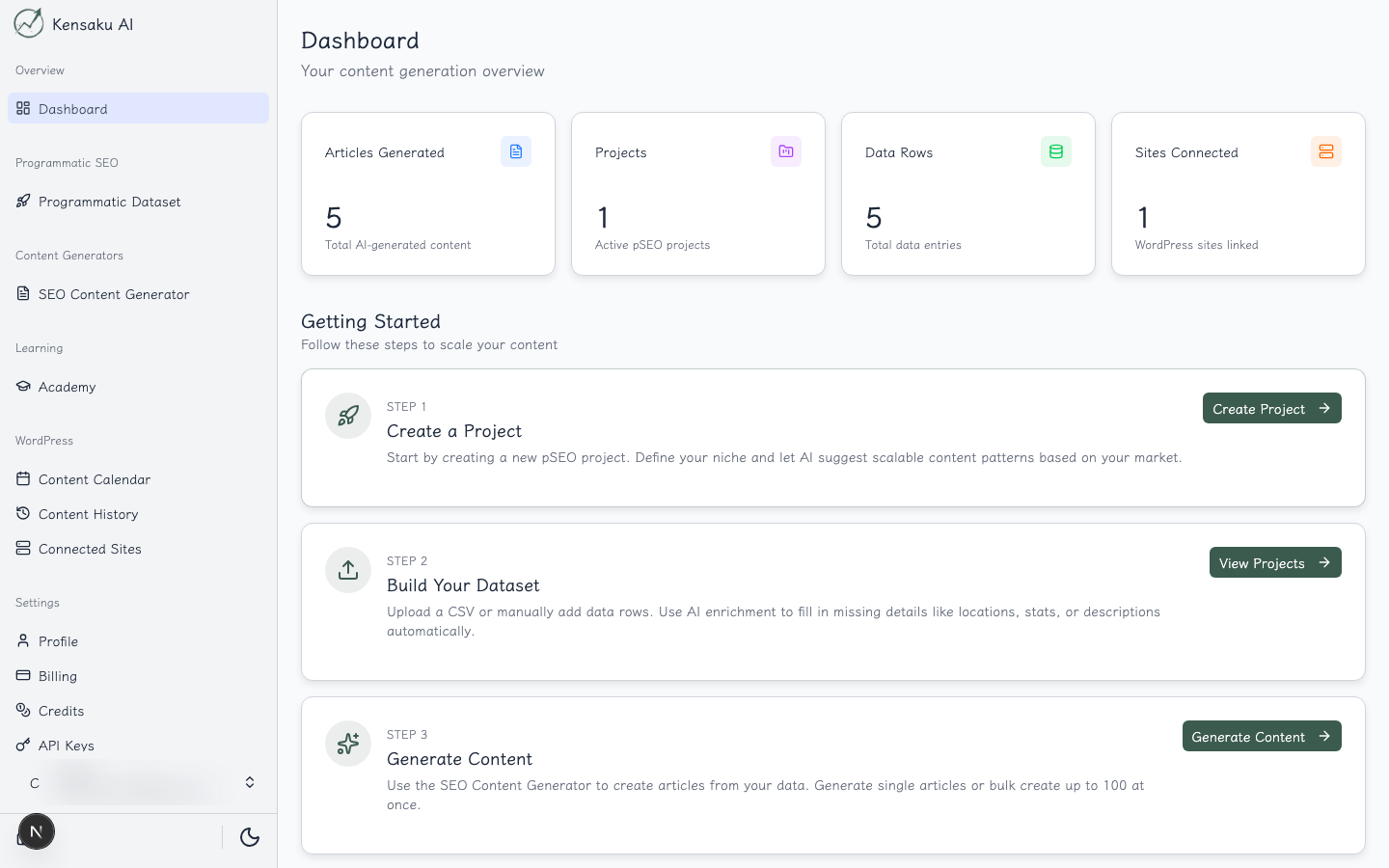
The Dashboard is your central command center in Kensaku AI. It provides a quick overview of your account activity and quick access to all major features.
Key Metrics
The dashboard displays four key metrics at a glance:
- Articles: Total number of AI-generated articles
- Projects: Active PSEO projects
- Data Rows: Total data entries across all projects
- WordPress Sites: Connected WordPress installations
Workflow Steps
The dashboard guides you through the programmatic SEO workflow:
- Create a Project - Start a new PSEO project
- Build Your Dataset - Add and enrich your data
- Generate Content - Create bulk content with AI
- Publish - Deploy to your WordPress sites
Quick Navigation
From the dashboard, you can quickly access:
- PSEO Projects - Manage your programmatic SEO projects
- Content History - View all generated content
- AI Tasks - Monitor generation activities
- Calendar - Schedule content publishing
- Settings - Configure your account
Getting Started
If you're new to Kensaku AI, we recommend:
- Start by exploring the PSEO Projects section to create your first project
- Learn about Content History to manage your generated content
- Configure your Settings to connect WordPress sites
Ready to Scale Your Content?
100+ pages in 1 click with Kensaku AI. Start your programmatic SEO campaign today.